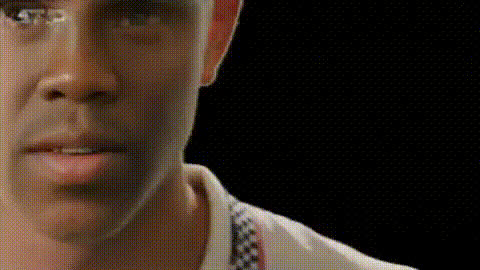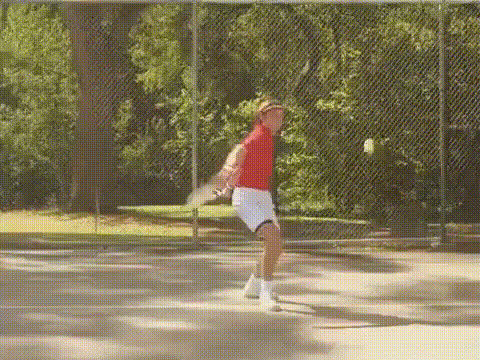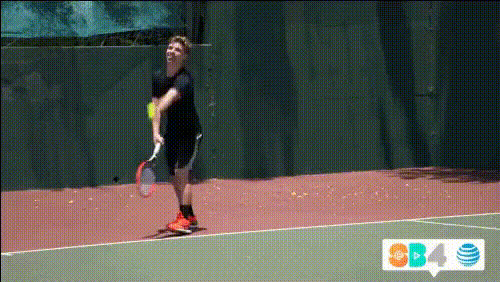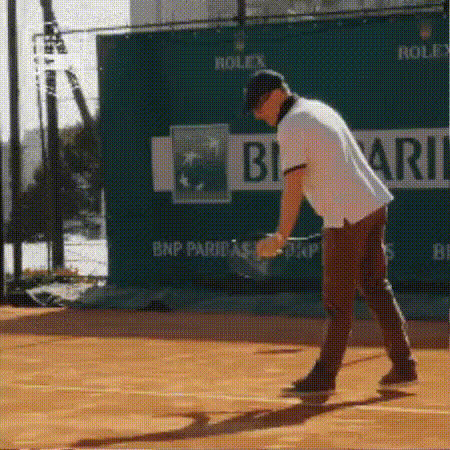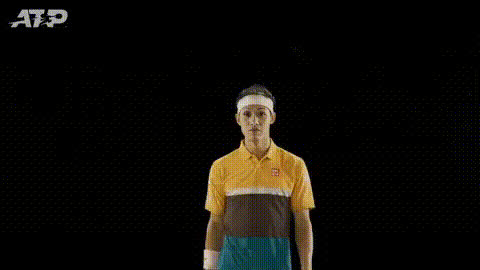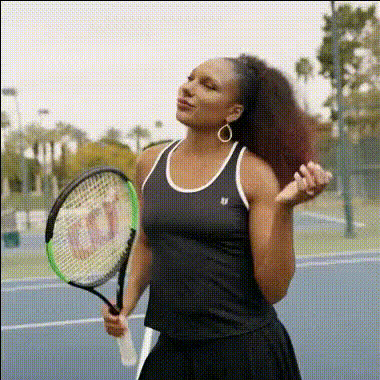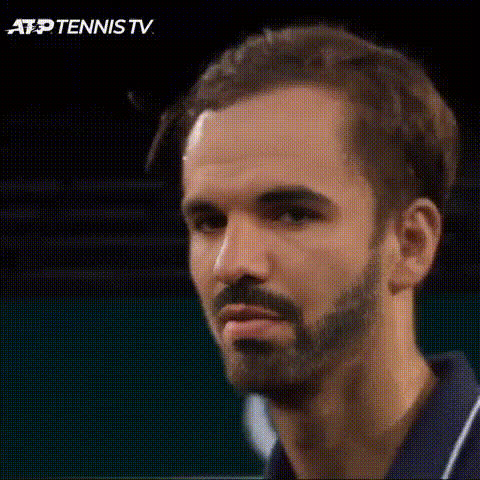
tennis-player-smiling-face
Overview
Bring a touch of humor and creativity to your projects with the Tennis Player Smiling Face template, a specialized Video Face Swap. Whether you're a marketer creating eye-catching ads or a filmmaker looking to add unique touches to your scenes, this tool offers an easy way to spice up any video.
What It Does
This template allows you to swap a smiling tennis player's face into your video in no time. Developed for the Video Face Swap product line, it offers lifelike transformations that can be integrated into existing video footage. Easily manipulate facial features for a comedic or editorial effect, ideal for upping the charm factor.
Who It's For
This template is built for creators who seek to enhance videos with a fun twist, including social media managers, content creators, and advertising professionals. It's particularly helpful for those looking to add a memorable flavor to marketing videos, personal projects, or even interactive educational content.
Summary
Optimized for rapid transformations, the Tennis Player Smiling Face template is your go-to option for adding engaging elements with minimal effort. By leveraging the advanced capabilities of AI Video Generator and Image to Video technologies, you'll be enabling more dynamic content creation that resonates with audiences.
How To
Choose Your Template

Customize the Face Swap

Generate Your Content

Use Cases
Social Media Campaigns
- Elevate engagement with playful visuals
- Boost brand recognition in a fun way
Promotional Videos
- Create memorable ad content
- Expand creative storytelling options
Personal Video Projects
- Delight friends and family with funny swaps
- Craft unique creations for special occasions
Best Practices
Select High-Quality Source Material
The face swap works best with high-resolution video files. Ensure your source video is clear for optimal results.Test with Different Angles
Experiment with different video angles to achieve the best face swap orientation and impact.Review Final Edits
After generating, review the video for any potential mismatches or adjustments needed to ensure the swap looks natural.