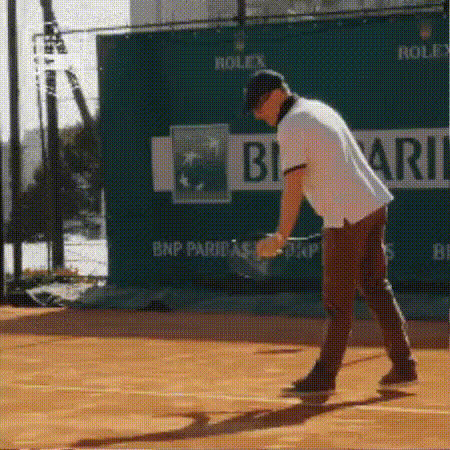
table-tennis-player-celebrates
Overview
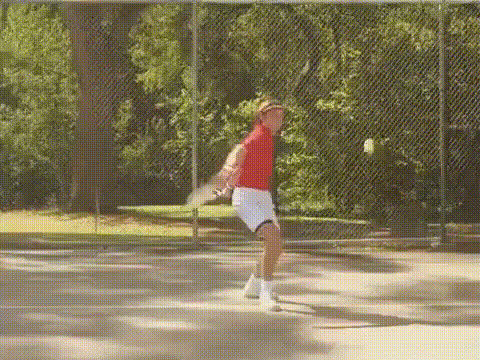
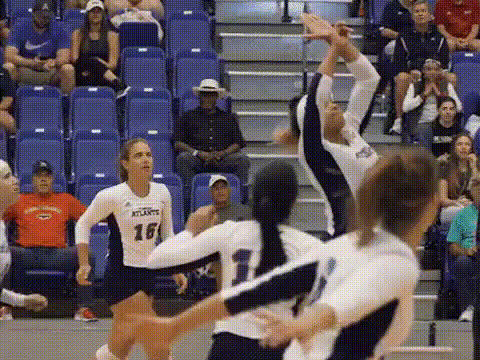
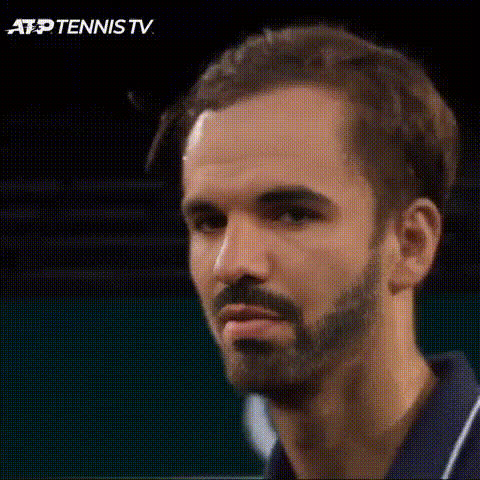
Bring your video content to life with our "Table Tennis Player Celebrates" video face swap template. This tool allows you to inject a sense of joy and energy into your videos, transforming you or your subject into a table tennis champion amid celebration. Ideal for sports enthusiasts and anyone looking to add a playful twist to their media.
What It Does
This template uses advanced face swap technology to replace the face of the table tennis player in the video with the face of your choice. The result is a dynamic and personalized video where your face becomes part of a triumphant celebration in the exhilarating world of sports.
This can be compellingly combined with the AI GIF Generator to make shareable, looped moments perfect for social media.
Who It's For
Perfect for content creators, sports fans, and anyone interested in adding a creative flair to their video projects. Whether you're aiming for a comedic take or a personalized sports moment, this template can bridge the gap between imagination and reality for your videos.
Consider pairing with the AI Talking Photo for static images that can complement your dynamic video content.
Summary
The "Table Tennis Player Celebrates" template is a powerful tool for crafting unique, celebratory videos. By integrating face swap functionality, it allows users to create engaging sports-themed content that features them or their friends in the spotlight. It's an ideal choice for playful editing endeavors.
Learn more about similar functionality with our Video Face Swap product range.
How To
Choose Your Template

Customize Your Content

Generate Your Video

Use Cases
Social Media Content
Sports Events Recaps
Personal Greetings
Best Practices
Select High-Quality Images
Use clear and well-lit face images for optimal face swap results and a realistic integration into your video.Ensure Good Facial Alignment
Ensure that the uploaded face aligns well with the template face for a natural appearance.Experiment with Variations
Try different expressions and facial angles to see which works best within the dynamic video context.