superman-flying-over-city
Overview
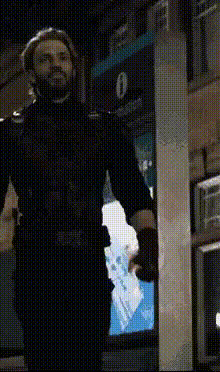
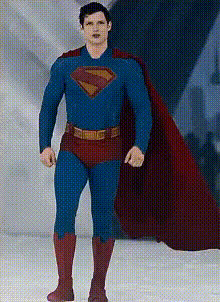
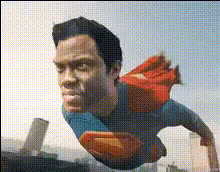
Bring the thrilling action of superhero stories to your videos with our "Superman Flying Over City" Video Face Swap template. This tool allows you to transpose faces onto the iconic scene of Superman navigating the skies of a bustling city. Enhance your videos with high-impact visuals without any complex editing skills.
What It Does
This template provides a unique way to insert personal or custom faces onto Superman in a pre-rendered flying over city scene. Utilizing Face Swap technology, it ensures a seamless blend of your chosen face with the superhero character.
The Video Face Swap feature brings a transformative experience to any footage, making it appear as though your subject is the hero soaring through the skies, offering a professional finish ideal for presentations or social media content.
Who It's For
This template is perfect for content creators and individuals keen to add a superheroic touch to their videos. Whether you're crafting content for personal use or commercial projects, or working in advertising, this tool can be a game-changer. It suits anyone from digital marketers to hobbyists excited about AI Video Generation.
Summary
The "Superman Flying Over City" Video Face Swap template is a powerful asset for video creators. It allows you to embed new faces in an action-packed scene effortlessly. This tool leverages advanced AI technology featured in products like the Image to Video converter, ensuring high-quality results every time.
How To
Choose Your Template

Customize Your Video

Generate and Download

Use Cases
Social Media Content
- Reel enhancements
- Story posts
- Viral challenges
Marketing Campaigns
- Advertisement videos
- Brand storytelling
- Customer engagement
Personalized Gifts
- Birthday greetings
- Creative gifts
- Memorable messages
Best Practices
Use High-Quality Images
Ensure that the images you upload are high-resolution for the best face swap results. This minimizes distortion and enhances believability.Adjust Facial Features
Make fine adjustments to the alignment and size of the face in the template to achieve a natural look. This is key for realistic integration.Consider Lighting and Angle
Select images with lighting conditions and angles similar to the template scene for more realistic results. This aids in smooth blending.