sleeping-baby-face
Overview
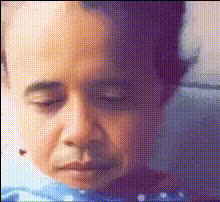
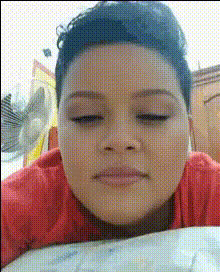
The Sleeping Baby Face Swap template allows you to transform a cherished sleeping baby photo into a delightful video. By leveraging state-of-the-art AI, this template simplifies the creation of video content from static images, perfect for sharing with family and friends.
What It Does
This Video Face Swap template takes a still photo of a sleeping baby and integrates facial movements to produce a short video. It is designed to animate faces in images while maintaining a natural look. The transformation delivers high-quality results suitable for both personal keepsakes and social media sharing.
Who It's For
This template is ideal for parents and grandparents looking to preserve precious moments of their little ones in a new and exciting format. It's also useful for bloggers and content creators in the parenting niche who wish to add dynamic content to their platforms. The AI Image Editor can further refine the images before using them in this template.
Summary
Transforming static baby photos into captivating videos is now accessible with the Sleeping Baby Face Swap template. By blending advanced AI capabilities, this tool facilitates seamless video creation from your images, making it a valuable addition to your digital toolbox. Explore other creative possibilities with the AI GIF Generator for more engaging content opportunities.
How To
Choose a Template

Customize Your Inputs

Generate Your Video

Use Cases
Family Videos
- Share on social media platforms
- Send as digital keepsakes
Parenting Blogs
- Engage your audience
- Showcase product reviews with animated examples
Social Media Content
- Grows social media followers
- Increases likes with adorable content
Best Practices
Choose High-Quality Images
For the best results, use clear, high-resolution photos with good lighting.Adjust Face Selection
Ensure the template's face selection matches the baby's face contours for better animation.Combine with Other Tools
Utilize the AI Image Generator to create complementary content and enrich your videos.