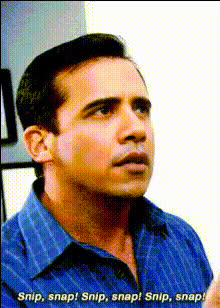
shut-it-down-meme
Overview
The Shut It Down Meme template is your solution for taking memes to the next comedic level. This Video Face Swap tool lets you replace faces in classic meme clips with any image or video, creating content that's fresh and hilarious. Perfect for social shares or personal projects, this template streamlines the creation of viral-worthy videos.
What It Does
With the Shut It Down Meme template, you can insert faces into well-known meme videos, providing a humorous twist. It leverages the same technology used in our Video Face Swap product. The process is straightforward; choose a reference video and swap out the face for a custom one. The result is a unique meme ready for any platform.
Who It's For
Whether you're a content creator, a digital marketer, or just someone who loves memes, this template is designed for you. It's also ideal for marketers looking to add a playful element to social media ads or campaigns and for creators who need quick, engaging content for their followers.
Summary
The Shut It Down Meme template allows you to create custom meme videos by swapping faces in popular meme formats. It's part of Magic Hour's suite of AI creativity tools, alongside our AI Meme Generator. Easily generate memorable, shareable content that fits seamlessly with today's digital landscape.
How To

Customize

Generate

Use Cases
Social Media Entertainment
- Boost engagement with humorous videos
- Easily adapt popular memes with customization
Marketing Campaigns
- Engage audiences with relatable memes
- Customize content to match brand tone
Best Practices
Select High-Quality Images
Using images with good lighting and clear focus ensures the best results when swapping faces.Match Expressions
Try to match the expressions of the source and target faces for more convincing results.Test Different Formats
Explore various video formats to see which works best with your audience.