shame-meme-school-scene
Overview
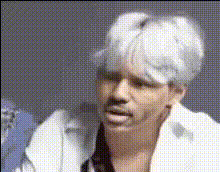
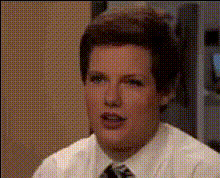
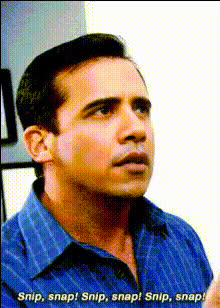
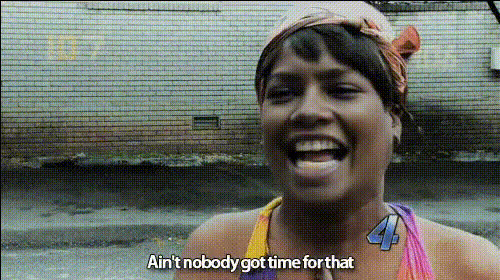
The "Shame Meme School Scene" template allows you to inject humor into everyday school scenes by swapping faces in your videos. Using the Video Face Swap tool, you can create engaging and unforgettable meme content that resonates with your audience. Perfect for sparking a viral reaction, this template encapsulates the playful essence of school-life humor.
What It Does
This template replaces the faces in a typical school scene video with any faces you choose, preserving the original video background and actions. By utilizing the power of the AI Image Editor, your memes gain a professional touch, ensuring high-quality outputs every time. It's an ideal tool for meme creators aiming to harness the potential of video transformations.
Who It's For
This template is crafted for meme enthusiasts, marketers, and content creators who want to add a lighthearted twist to their videos. It benefits anyone in need of fresh, engaging social media content that can go viral. Whether you're crafting content for business marketing or personal fun, the template pairs well with other tools like the AI GIF Generator to diversify your creative arsenal.
Summary
Transform standard school scenes into hilarious video memes with our "Shame Meme School Scene" template. Ideal for creating content that captivates social media audiences, this template leverages powerful AI capabilities to ensure recognizable, shareable results. Enhance your creativity alongside tools such as the AI Meme Generator for next-level humorous content.
How To
Choose Your Template

Customize Your Faces

Generate Your Video

Use Cases
Meme Creation
- Engage audiences with humorous twists on classic school scenes.
- Increase shareability and reach on platforms like Instagram.
Social Media Campaigns
- Create unique content for brand-centered campaigns.
- Enhance organic growth with viral meme strategies.
Personal Entertainment
- Make birthday or special event videos.
- Craft unique and funny family memories.
Best Practices
Balanced Face Selection
Ensure the faces you're swapping maintain a similar skin tone and lighting to ensure a natural look.Contextual Relevance
Select scenes where the swap will enhance humor without losing the context of a school atmosphere.Resolution Consideration
Using high-resolution input images will enhance the output quality of your final video.