saved-by-the-bell-kiss
Overview
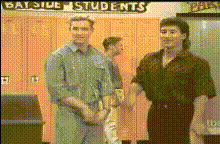
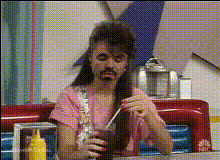
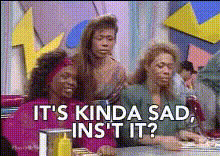
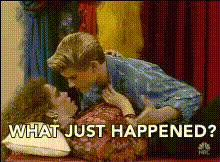
The Saved by the Bell Kiss template is a fun and engaging way to create remarkable Video Face Swap clips. Step back into the 90s by swapping faces into the iconic scene from the classic TV show. Ideal for anyone looking to mix modern video editing with a dose of nostalgia.
What It Does
This template cleverly replaces the faces in the famous "Saved by the Bell" kiss scene. With the high-quality Video Face Swap technology, easily integrate new faces while preserving the original scene's charm. The output is a professionally edited video, ready to share on any social platform.
Who It's For
Whether you're a fan of the show or someone who loves fun transformations, this template is perfect for you. It's especially useful for content creators who want to produce amusing and viral-ready content. Also, a great choice for social media enthusiasts eager to make engaging videos.
Summary
The Saved by the Bell Kiss template is your go-to tool for creating humorous video swaps. Its ease of use and share-friendly format make it a hit among users. Explore other Face Swap templates to widen your creative scope, and enjoy every editing moment.
How-To
Choose Your Template

Customize Your Video

Generate and Download

Use Cases
Social Media Pranks
Nostalgic Campaigns
Fan-Made Content
Best Practices
Select High-Quality Images
For the best results, ensure the faces you upload are clear and well-lit. This helps in achieving a seamless swap.Align Faces Accurately
Make sure the faces' orientation in your uploads matches the original video to avoid awkward positioning.Preview Before Finalizing
Use the preview option to make sure everything looks perfect before you hit download. Experiment with different images for various effects.