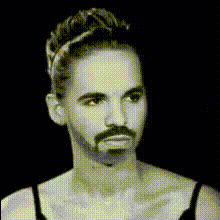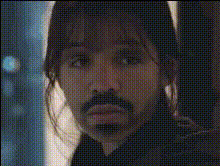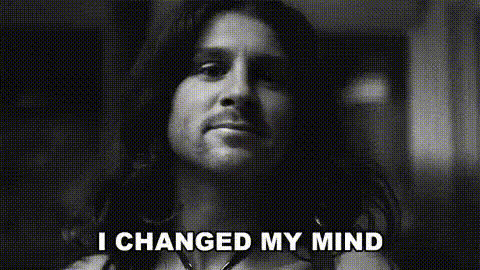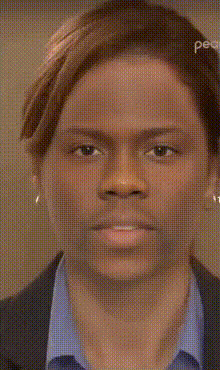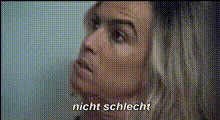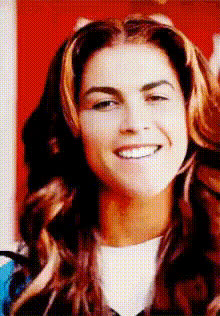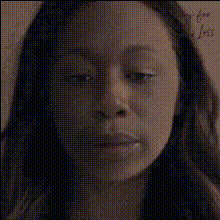
sad-womans-closeup-face
Overview
The Sad Woman's Close-up Face template offers a unique twist on traditional Video Face Swap. Designed specifically for a close-up of a woman's expressive face, this template allows you to creatively alter the scene by swapping the face with another, empowering storytellers to add an unexpected element to their narratives.
What It Does
This Video Face Swap template takes your input footage and identifies the face of a sad woman in a close-up shot. By swapping her face with one from your preferred source, this tool provides flexibility for narrative shifts or anonymity in sensitive subjects. Compatible with standard video formats, this template integrates well with projects that require seamless transformation.
Who It's For
Perfect for filmmakers, content creators, and advertisers, this template is ideal for those looking to subtly, yet powerfully, alter their video content. Whether you're developing emotional storytelling or need an identity shift for privacy, the Image-to-Video capabilities enhance accessibility and creativity for both amateurs and professionals.
Summary
Transform your projects with the Sad Woman's Close-up Face template. By swapping faces in emotional scenes, this tool empowers artists and marketers to redefine or preserve narratives with ease. Start creating today with our transformative AI Video Generator suite.
How To
Choose Template

Customize Inputs

Generate Output

Use Cases
Emotional Storytelling
Advertisements
Privacy Protection
Best Practices
Ensure High-Quality Input
For best results, use high-resolution video; this helps the AI accurately detect and swap faces.Choose Suitable Faces
Select a replacement face that matches the angle and lighting of the original for a natural look.Experiment with Angles
Try using the AI Multi-angle Generator for different perspectives.