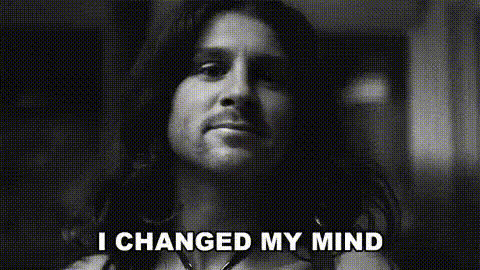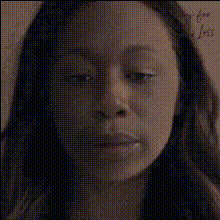
sad-woman-crying-tear
Overview
The "Sad Woman Crying Tear" video face swap template enables the transformation of a video scene featuring a crying woman into something dramatic and attention-grabbing. Ideal for content creators seeking to infuse their projects with emotional depth or novel twists.
What It Does
This template allows you to replace the face of the subject in a crying scene with a different face, creating a new identity and narrative. Built upon advanced video face swap technology, the transformation is seamless and effective, ensuring high-quality output that maintains the emotional intensity of the original moment.
You can further enhance your project using tools like the AI Image Editor and Image to Video, which can be combined to take your content to the next level.
Who It's For
This tool is perfect for filmmakers, meme creators, and marketers aiming to create engaging content that resonates emotionally with audiences. Whether for a social media ad campaign or a creative project, this template simplifies the process of adding a dramatic flair to your video narrative.
Summary
The "Sad Woman Crying Tear" template leverages video face swap capabilities to transform scenes creatively. It empowers users to easily alter video narratives while keeping the audience connected with the emotional core of the original footage. Explore further possibilities with related solutions like the AI Video Generator or enhance the atmosphere with the AI Meme Generator.
How To
Choose the Template

Customize Your Input

Generate Your Video

Use Cases
Emotional Video Campaigns
- Ideal for charity campaigns.
- Perfect for raising awareness.
Meme Creation
- Transform emotional scenes into viral content.
- Engage audiences with relatable humor.
Film Editing
- Add a unique touch to independent films.
- Experiment with scenes for creative storytelling.
Best Practices
Select High-Quality Originals
Use high-resolution source videos for the best face swap results. This avoids pixelation and maintains clarity.Match Lighting and Angles
Try to match the lighting and angles of the source and swap images where possible for a natural look.Utilize Complementary Tools
Enhance your project by using additional tools like the AI Face Editor to refine features and adjust tones.