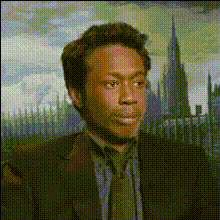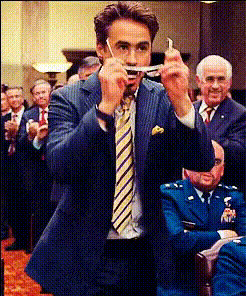
robert-downey-jr-smiling (2)
Overview
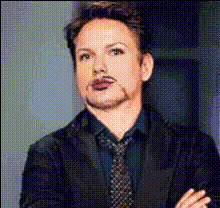
The Robert Downey Jr. Smiling Video Face Swap template allows you to integrate the charismatic expressions of Robert Downey Jr. into your videos. This specialized Video Face Swap tool is perfect for creating memorable content, whether for entertainment, social media, or marketing purposes.
What It Does
This template leverages advanced AI technology to swap your face with Robert Downey Jr.'s in a video, capturing his signature smile. The process utilizes proprietary models designed for precise facial mapping and alignment, resulting in a seamless blend of identities. The output is a video format ready for sharing or further editing.
Who It's For
This template is ideal for content creators, social media enthusiasts, and marketers looking to add a celebrity twist to their videos. It's also a great tool for PD enthusiasts and anyone interested in creating humorous, engaging, and viral-ready content.
Summary
Inject some star power into your videos with the Robert Downey Jr. Smiling Video Face Swap template. Perfect for a variety of media projects, this tool combines ease of use with engaging results. Pair it with our other tools, like the AI Voice Changer and AI Video Generator, for fully customized video creations.
How-To
Choose the Template

Customize Your Input

Generate and Download

Use Cases
Social Media Content
- Instagram Reels
- TikTok videos
- YouTube Shorts
Marketing Campaigns
- Local ads
- Product testimonials
Entertainment and Parody
- Comedy sketches
- Entertainment clips
Best Practices
Ensure Good Video Quality
Use videos with high resolution and clear lighting to get the best results from the face swap.Match Facial Expressions
To create more natural results, choose input videos where facial expressions closely match Robert Downey Jr.'s smiling template.Experiment with Different Angles
Try videos with various angles to see which works best with the face swap technology.