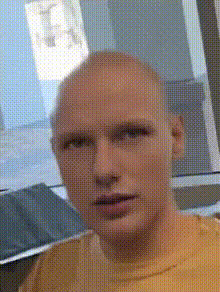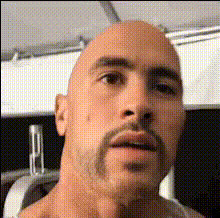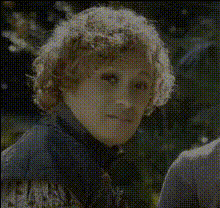
robb-stark-in-armor
Overview
Step into your favorite fantasy epic with the Robb Stark in Armor video face swap template. Transform yourself or others into the iconic King in the North, bringing a piece of legendary storytelling to your projects. This template enables you to swap any face onto Robb Stark's, adding an engaging twist to gaming content, fan trailers, or creative social media posts.
What It Does
The Robb Stark in Armor template makes use of Magic Hour's Video Face Swap capabilities to transpose any face onto Robb Stark's body in armor. The template matches skin tone, lighting, and head movements, ensuring a natural and cohesive appearance. It's an ideal choice for creating viral fan content or playful tributes.
Who It's For
This template is perfect for fans of fantasy series looking to create personalized fan-fiction videos, content creators seeking unique storytelling angles, and marketers aiming to captivate their audience with themed campaigns. Agencies may also use it to prototype characters in fictional settings quickly.
Summary
The Robb Stark in Armor template offers a dynamic way to use Face Swap technology in your video projects. Whether you’re a fan, a creator, or a marketer, this tool helps convey stories with visual impact, bringing the essence of a beloved character to life.
How To
Choose Template

Customize Face

Generate Video

Use Cases
Fan-Fiction Videos
- Innovative storytelling
- Authentic character transformations
Promotional Campaigns
- Boost social media engagement
- Capture attention with thematic content
Content Creation
- Elevate video production quality
- Add a personal touch to your projects
Best Practices
Lighting Considerations
Ensure your input images have consistent lighting for the best face swap results. This helps in matching skin tones and shadows.Facial Alignment
Use the customization controls to fine-tune facial alignment and enhance the realism of your video.Video Resolution
Upload high-resolution images and videos to achieve the clearest output, enabling detailed face swaps.