paris-hilton-meme
Overview
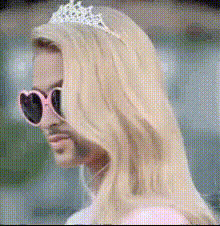
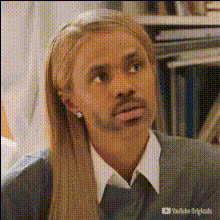
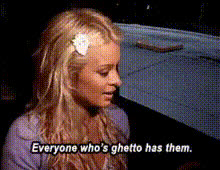
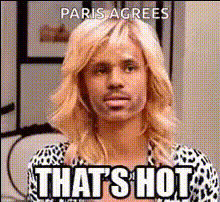
Transform any video into a viral sensation with the Paris Hilton Meme Video Face Swap template. Swap your face with Paris Hilton's in just a few steps, creating eye-catching content that's perfect for grabbing attention on social media platforms like Instagram and TikTok.
What It Does
This template enables you to perform a video face swap, replacing your face with Paris Hilton's. It's designed to create humorous and engaging content that can boost your social media presence and foster interaction. By using advanced algorithms, the template ensures seamless integration of the swapped face, making your videos both entertaining and realistic.
Pair this tool with the Face Swap product for additional customization options or explore the AI Talking Photo for similarly engaging content formats.
Who It's For
Content creators looking to add a comedic edge to their posts will find this template indispensable. It's ideal for social media influencers aiming to increase engagement and visibility through creative and sharable content. Additionally, marketers can use this tool to create memorable ads that resonate with audiences of all ages.
Explore other add-ons like the AI GIF Generator to expand your content strategy further.
Summary
The Paris Hilton Meme Video Face Swap template offers a straightforward way to create engaging, fun, and shareable content by swapping faces with a celebrity. This transformation can help you stand out in the crowded digital space, ensuring your content is memorable and widely shared.
Learn more about enhancing your videos by visiting our Meme Videos use case page.
How-to
Choose the Template

Customize Your Video

Generate the Video

Use Cases
Social Media Engagement
- Boost your visibility on platforms like Instagram and TikTok.
- Stimulate conversations with funny content.
Marketing Campaigns
- Create content that resonates with a wide range of viewers.
- Leverage humor to enhance brand personality.
Personal Projects
- Add a humorous touch to personal video messages.
- Create birthday videos with a celebrity spin.
Best Practices
Select High-Quality Videos
Ensure that the original video is in high definition for the best face swap results.Experiment with Angles
Choose videos where the subject's face is clearly visible for a more realistic swap.Enhance with Other Tools
Consider adding elements using the AI Image Editor to further customize your video.