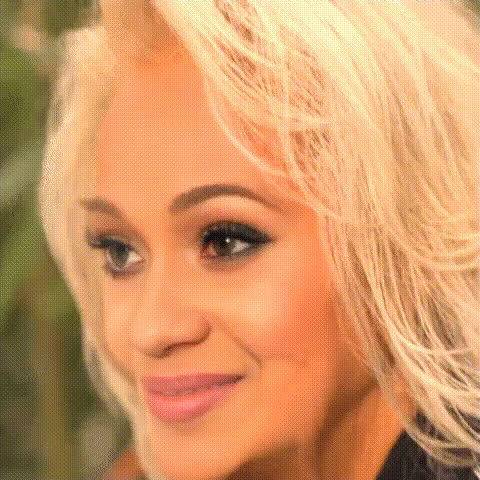
Natasha Rothwell Smiling
Overview
Transform your video content with the Natasha Rothwell Smiling template. This Video Face Swap tool allows you to overlay Natasha Rothwell's iconic smile onto your own footage, adding a touch of fun and creativity to your projects.
What It Does
The Natasha Rothwell Smiling template uses advanced Video Face Swap technology to replace faces in your video with a smiling Natasha Rothwell. Whether you're looking to create a humorous piece or a unique media project, this template provides an engaging way to do so.
The template supports popular video formats, making it easy to integrate into your existing workflow.
Who It's For
This template is perfect for content creators, marketers, and brands looking to inject humor or celebrity flair into their videos. It's an excellent tool for those crafting content for social media ads or personalized video messages.
Summary
Utilize the Natasha Rothwell Smiling template to add personality and joy to your videos. With Video Face Swap capabilities, it's a versatile asset for creating dynamic and entertaining visual content.
How To
Choose Your Template

Customize Your Content

Generate Your Video

Use Cases
Social Media Content
- Humorous video posts
- Celebrity-themed stories
Marketing Campaigns
- Viral marketing videos
- Brand storytelling
Personalized Messaging
- Birthday messages
- Custom shoutouts
Best Practices
Choose High-Quality Footage
Ensure that the video you upload is of high quality for the face swap to work optimally.Adjust Timing and Placement
Carefully choose the segment where Natasha's face is most appropriate to maximize impact.Test Different Scenarios
Experiment with various video scenes to see which benefits most from the face swap.