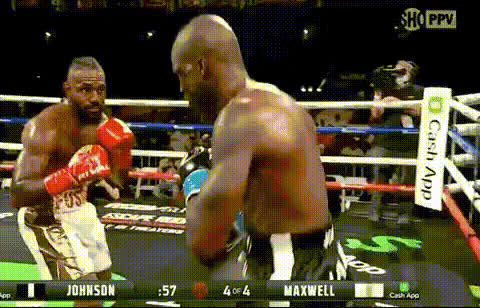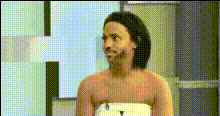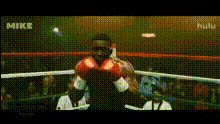
Mike Tyson Interview
Overview
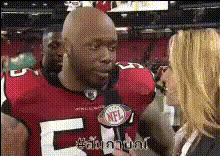
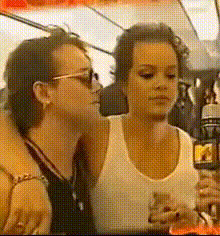
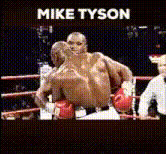
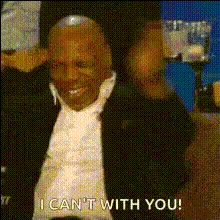
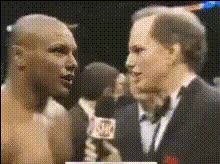
Get ready to add humor and engagement to your videos with the Mike Tyson Interview template. This Video Face Swap tool effortlessly replaces faces in your footage with Mike Tyson's iconic features. Ideal for creating shareable content with a comedic twist, this template brings a touch of the unexpected to any video project.
What It Does
The Mike Tyson Interview template specializes in swapping faces in your video content with a photorealistic version of Mike Tyson's face. It uses advanced AI technology, ensuring each frame is accurately adjusted to match expressions and movements. The result is a seamless integration into your existing visuals, embodying the boxing legend in often unexpected contexts.
Who It's For
This template is perfect for content creators, marketers, and social media enthusiasts looking to craft eye-catching, humorous videos. Whether you're generating meme videos or producing engaging ads, this face swap feature offers endless possibilities for creative expression and audience engagement.
Summary
The Mike Tyson Interview Video Face Swap template allows you to transform any video by replacing a person's face with Mike Tyson's. It's particularly suited for generating unique and viral content that holds viewers' attention. Ideal for localized video ads and social media campaigns, this tool leverages impressive AI capabilities for realistic outcomes.
How to Use
Choose Your Template

Customize Your Video

Generate & Download

Use Cases
Meme Creation
- Generate laugh-worthy scenarios
- Boost shareability and engagement
Social Media Campaigns
- Increase interaction rates
- Strengthen brand voice with creativity
Marketing Videos
- Drive traffic with unique visuals
- Adapt campaigns for target audiences
Best Practices
Choose High-Quality Footage
Start with well-lit, high-resolution videos for the best face swap results.Pay Attention to Expressions
Select scenes where facial expressions are clear to maintain realism in the swap.Preview Before Finalizing
Always preview your video to make necessary adjustments before finalizing.