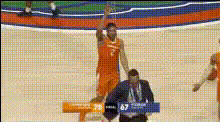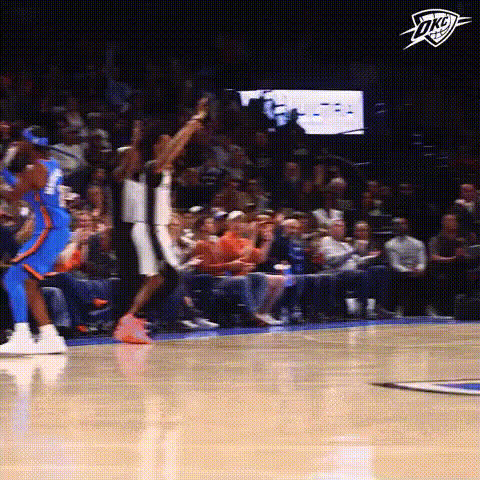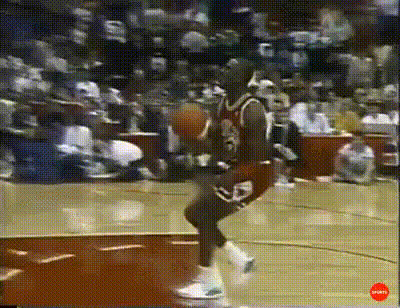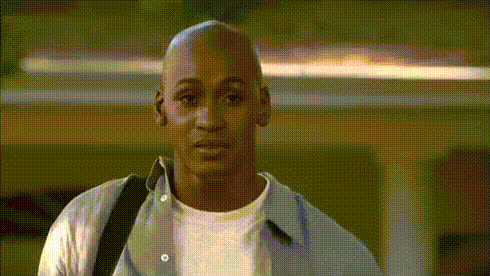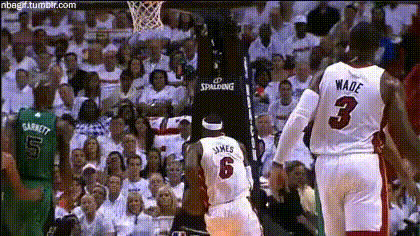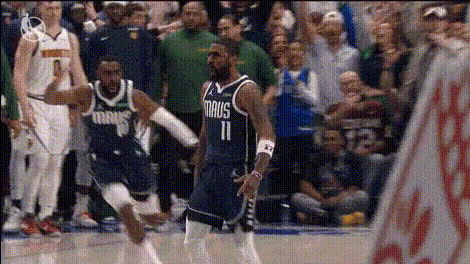
Michael Jordan And Friend
Overview
The Michael Jordan And Friend face swap template lets you infuse your videos with the iconic likeness of Michael Jordan or transform them with your friend’s face. This is ideal for creating engaging and entertaining sports-themed content. Whether you're a basketball enthusiast or just love creating fun edits, this tool helps you bring your vision to life. Explore more on how to integrate this with the Video Face Swap product family.
What It Does
This Video Face Swap template replaces faces in your video with the likeness of Michael Jordan or any other input face you provide. Ideal for sports highlights or humorous spoofs, the template utilizes advanced AI for realistic transformations, ensuring high accuracy and seamless facial integration into your video projects.
Who It's For
Targeted at content creators, sports fans, and video editors, this tool is perfect for anyone looking to enhance their projects with a touch of sport and humor. It’s a great fit for those who are already using tools like the AI Video Generator and AI Talking Photo to expand their creative portfolio.
Summary
Combine technology with creativity using the Michael Jordan And Friend Video Face Swap template. It leverages cutting-edge AI models to transform videos by swapping faces, creating compelling and share-worthy content. Visit our Face Swap product page to learn more and get started.
How to Use
Effortlessly use the Video Face Swap template to create unique videos.
Choose the Template

Customize Your Input

Generate Your Video

Use Cases
This Video Face Swap template serves multiple entertaining and creative purposes.
Sports Fan Videos
- Create spoof videos of famous games
- Bring new light to classic moments
Social Media Content
- Boost engagement with creative posts
- Stand out with unique content
Personal Stories
- Create birthday surprises
- Amuse family and friends
Best Practices
Optimize your Video Face Swap projects with these best practices.
Choose High-Quality Source Images
For improved results, ensure the input images, especially of the faces, are in high resolution.Align Faces Precisely
When selecting face swap areas, take the time to align them precisely for a smoother effect.Review and Refine
Before finalizing, always review the swaps in a preview mode and make necessary adjustments.