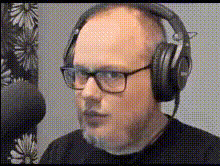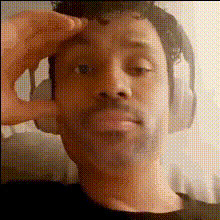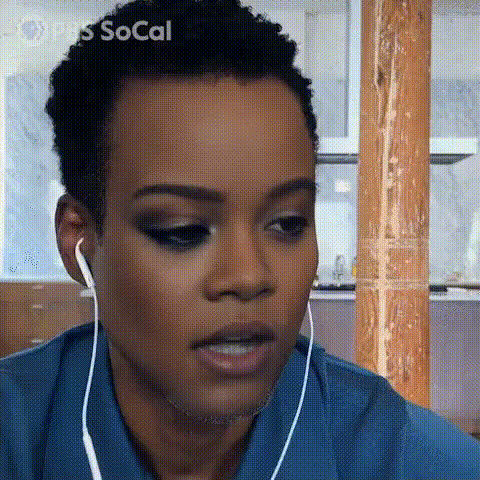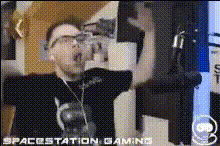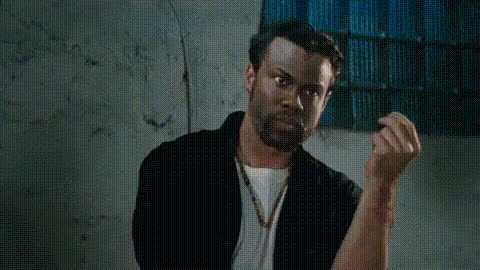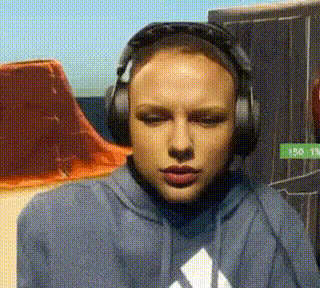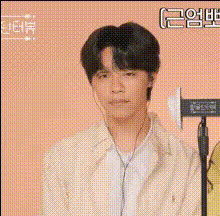
Man With Earbuds Looking Frustrated
Overview
Introducing the 'Man With Earbuds Looking Frustrated' template — a versatile Video Face Swap tool perfect for creators wanting to add a humorous twist to their content. This template is especially effective for creating meme videos and other entertaining formats that require a touch of frustration portrayed engagingly.
What It Does
This template allows you to swap the face of a frustrated man wearing earbuds with any face you choose, bringing new life and humor to your video projects. By using our powerful Face Swap technology, this tool seamlessly integrates with your existing workflows to deliver high-quality, realistic transformations in just a few clicks.
Who It's For
Designed for meme creators, video editors, and social media influencers, this template is ideal for anyone looking to create eye-catching, humorous content. It's perfect for generating engaging posts for platforms like TikTok and Instagram where visual creativity is key.
Summary
Easily create entertaining video content with the 'Man With Earbuds Looking Frustrated' template. Utilize the capabilities of Video Face Swap along with the flexibility offered by AI GIF Generator to enhance your creative projects. Whether you're adding a new face to a classic meme or crafting original content, this template provides the tools you need for impressive results.
How To
Choose Your Template

Customize Your Content

Generate Your Video

Use Cases
Meme Creation
- Create relatable content
- Enhance humor in viral memes
Social Media Content
- Boost engagement
- Increase followers and likes
Video Editing Projects
- Spice up music videos
- Add character to skits
Best Practices
Choose High-Quality Images
For the best results, use high-resolution images for both the source and target faces to ensure the final video looks professional.Adjust Lighting and Angles
Ensure that the lighting and angle of the faces are similar for a more natural-looking swap.Preview Before Rendering
Always preview your video before finalizing to check alignment and make any necessary adjustments.