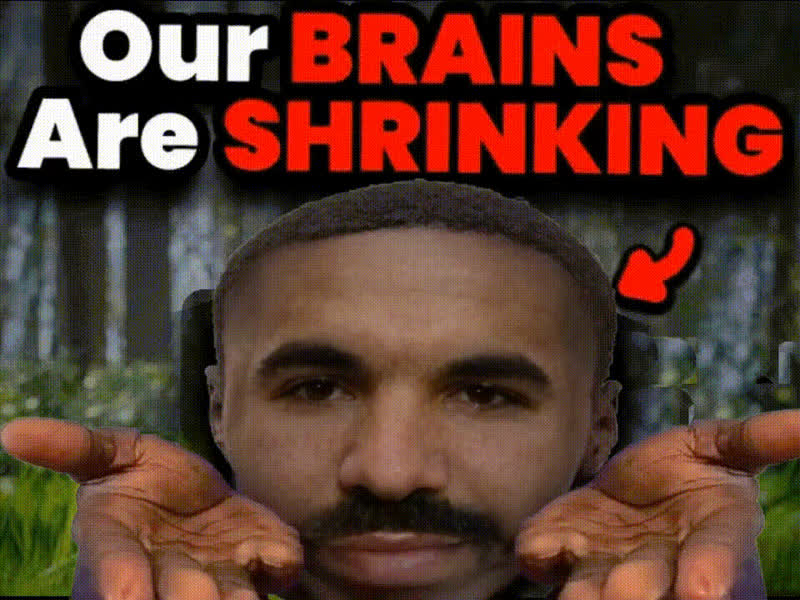
Man On Laptop
Overview
The "Man On Laptop" video template allows you to swap out the face of a man working on a laptop with your own or someone else's. This transformation is perfect for anyone looking to personalize video content while retaining realistic lighting and expressions.
What It Does
This template utilizes advanced Video Face Swap technology to edit video scenes seamlessly. It maps your chosen face onto the target in the scene, adjusting for expressions and angles using cutting-edge algorithms. The end result is a realistic video that looks like it was all filmed in one take.
Who It's For
This tool is ideal for creators in marketing, social media influencers, and filmmakers who need personalized content quickly. It's also a great resource for educators developing unique teaching materials or marketers creating engaging product demos.
Summary
With the "Man On Laptop" template, transforming a video is as easy as uploading a face image and letting the tool do the rest. Explore other capabilities like our AI GIF Generator to expand your creative toolkit.
How To
Choose Your Template

Customize Your Video

Generate the Swap

Use Cases
Marketing Campaigns
- Create relatable content
- Boost viewer engagement
Social Media Content
- Increase content engagement
- Stand out from the crowd
Educational Materials
- Create realistic simulations
- Capture students' attention
Best Practices
High-Quality Images
Use high-resolution images for face swapping to maintain video quality and detail.Lighting Consistency
Ensure that the face image lighting matches the lighting conditions in the video scene for a more natural look.Experiment with Angles
Try different angles of the face to see which fits best in the video setting.