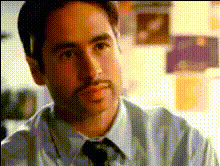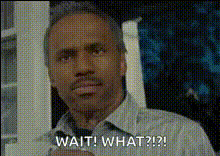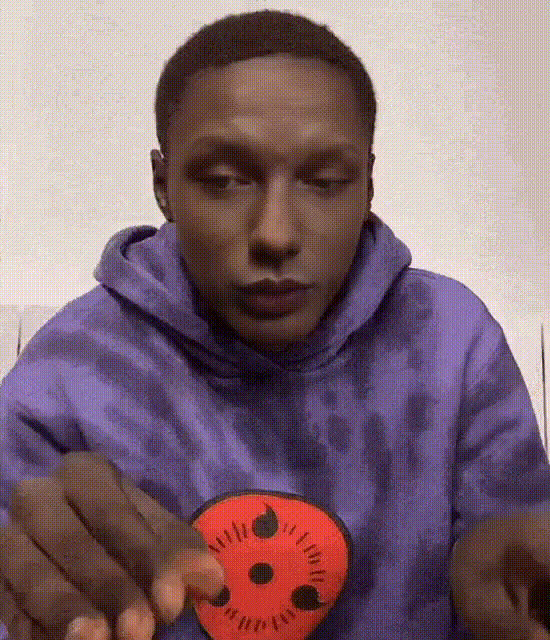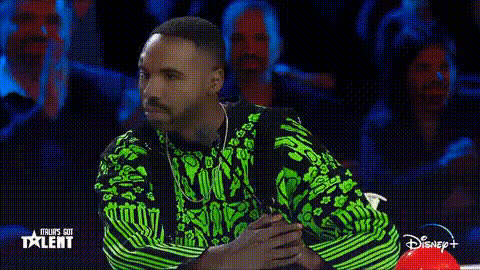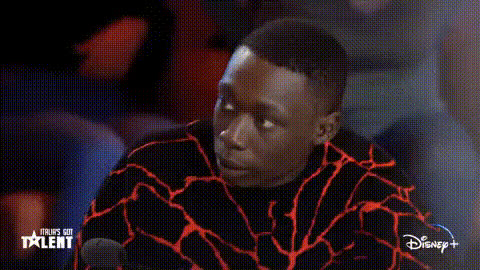
Man Looking Surprised On Tv 1
Overview
The "Man Looking Surprised On TV 1" video face swap template brings a light-hearted twist to your content. This template allows you to swap your face onto a man appearing startled on a TV screen, ideal for creating engaging videos. Whether you're crafting content for social media ads, memes, or just for fun, this tool will enhance your creativity.
What It Does
This Video Face Swap template algorithmically replaces the face in a scene of a surprised man on TV with your chosen face. The result is a seamless fusion that maintains natural skin tones, lighting, and facial expressions. For other applications, consider our Video Face Swap tools.
Who It's For
This template is designed for content creators, social media influencers, and meme enthusiasts looking to add a humorous twist to their videos. It's perfect for those who use AI GIF Generator tools for quick sharing on platforms like Instagram and TikTok.
Summary
With the "Man Looking Surprised On TV 1" template, infuse humor and surprise into your videos with a simple face swap. Ideal for meme videos and other comedic content, this tool leverages AI to ensure quality and realism. Explore Head Swap or Lip Sync for additional creative options.
How To
Choose the Template

Customize Your Swap

Generate Your Video

Use Cases
Social Media Engagement
- Instagram Stories
- TikTok Challenges
- Facebook Reactions
Meme Creation
- Image macros
- Video memes
- Reaction GIFs
Content for Influencers
- Brand collaborations
- Follower engagement
- Creative video briefs
Best Practices
Use High-Quality Images
Ensure the uploaded face image is clear and well-lit to achieve the most convincing swap.Preview Before Finalizing
Take advantage of the preview option to fine-tune face placement and achieve the best results.Experiment with Context
Try swapping faces in various contexts to explore different humorous scenarios that could engage your audience more effectively.