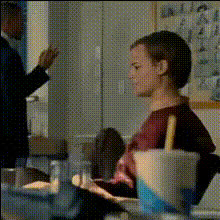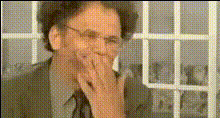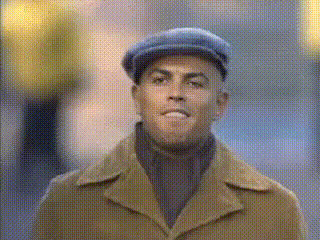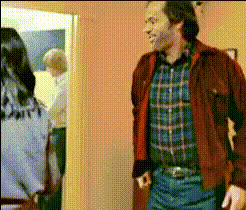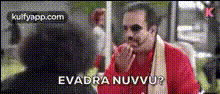
Man In Red Jacket Smiling
Overview
Transform your video content with the Man In Red Jacket Smiling template. This is a Video Face Swap tool designed to bring a dynamic and engaging look to your media projects. By replacing faces in your videos, you can create unique and personalized content, ideal for everything from social media posts to professional video presentations.
What It Does
The Man In Red Jacket Smiling template performs a face swap in your videos, inserting the image of a smiling man in a red jacket. It uses advanced algorithms to blend seamlessly with the video, ensuring realistic facial expressions and movements. This template works well with the capabilities of our Video Face Swap tool and complements other video transformations.
Who It's For
This template is perfect for content creators, marketers, and anyone interested in experimenting with video content. Whether you are making viral GIFs or engaging promotional materials, the template fits both casual and professional use. It benefits those who want to inject humor or creativity into their text-to-video initiatives or any video-based storytelling.
Summary
With the Man In Red Jacket Smiling template, you can innovate your videos by incorporating a friendly and recognizable face. This template is a part of our extensive suite of video editing tools, including our AI Video Generator and Image to Video tools, designed to enhance your creative process.
How To
Choose the Template

Customize Your Video

Generate and Download

Use Cases
Social Media Content
- Viral challenges
- Funny clips
- Story engagement
Marketing Campaigns
- Product announcements
- Brand storytelling
- Promotional teasers
Entertainment Videos
- Web series
- Funny sketches
- Character swaps
Best Practices
Use High-Quality Videos
Ensure the video and the image of the face being swapped are high resolution for better results.Align Faces Accurately
Pay attention to face alignment for natural and realistic results.Preview Before Finalizing
Take advantage of preview options to make necessary adjustments before generating the final video.