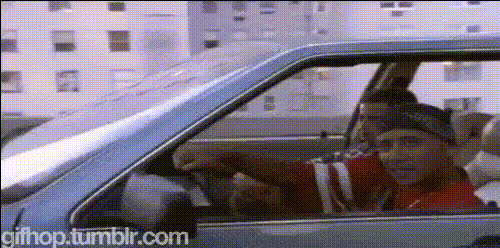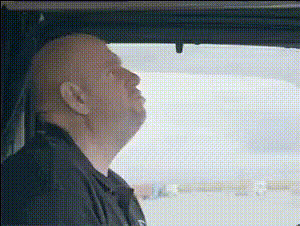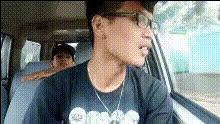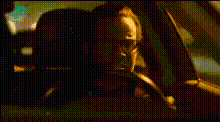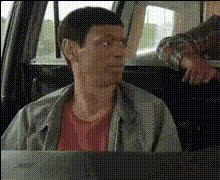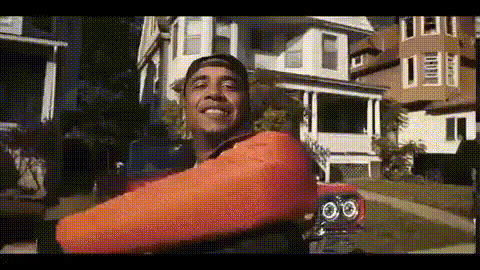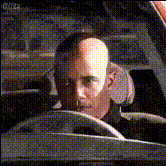
Man Driving A Car: Montage Face Swap
What this template supplies
The template supplies the car-interior footage and saved settings; you supply the face image. This is a face swap within existing video, not a way to generate new driving scenes or change the characters’ outfits and actions.
How to create your car-interior face swap
Choose
Open the Man Driving A Car template to use its supplied car-interior montage.

Customize
Upload the face image you want to use. The template uses its saved content and settings, with no additional options to choose before generation.

Generate
Click Generate to start the face swap immediately, then review the resulting video across the different shots.

Tips for your face swap
Start with a clear face photo
Choose a well-lit image where the face is easy to see and is not covered by hair, hands or accessories.
Review the whole montage
Check the generated result across its different shots rather than judging the face swap from a single frame.
Frequently asked questions
Upload a face image. The template already supplies the video, so you do not need to upload your own driving footage.
No. Although the template is named Man Driving A Car, the supplied example is a car-interior montage with several characters. Do not expect one continuous shot of a single driver.
Not in this template’s current workflow. You upload a face image and click Generate; the supplied footage controls the car, outfits, scenes and actions.