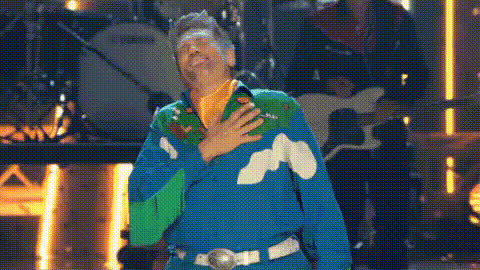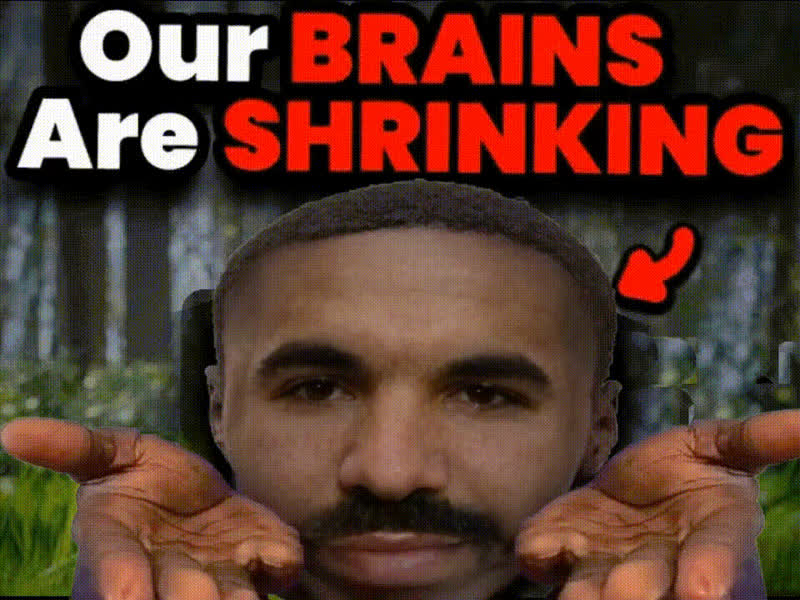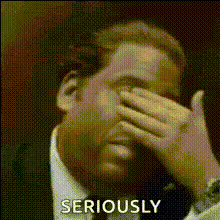
Man Covering His Face
Overview
The "Man Covering His Face" template offers a unique twist to your video content with a face swap feature. This template is specifically designed to bring a captivating transformation to videos by seamlessly swapping faces while maintaining the expressiveness of the scene. Ideal for users looking to enhance their social media ads or creative video projects.
What It Does
With this Video Face Swap template, users can replace the face of a man covering his face with another chosen image or video file. The template uses advanced AI to ensure the new face aligns naturally with the existing video frame. This results in a visually stunning transformation that can be edited further with tools like the AI Image Editor or AI Video Generator.
Who It's For
This template is perfect for content creators, social media managers, and digital marketers looking to add a playful yet impactful feature to their videos. It's an excellent choice for anyone aiming to increase engagement through fun and shareable video transformations. Agencies involved in social media ads or meme videos will find this template particularly beneficial.
Summary
The "Man Covering His Face" template offers an innovative way to engage viewers through Video Face Swap technology. By transforming the face in the original scene, it allows for creative expression and can help elevate your content strategy. Explore other face transformation tools like the Head Swap or Face Swap for GIFs to further enhance your creative projects.
How-To
Select the Template

Customize Your Inputs

Generate Your Video

Use Cases
Social Media Engagement
- Swap faces for viral appeal
- Enhance profile video posts
Creative Storytelling
- Alter identities for humor
- Create surprise reveals
Video Marketing
- Generate captivating ad visuals
- Increase viewer retention
Best Practices
Choose High-Quality Source Images
To achieve the best results, ensure the face images or videos you upload are clear and well-lit for precise alignment.Adjust for Alignment
Use the provided tools to adjust the position and size of the swapped face for a natural outcome.Consider Retouching
Use the AI Image Editor to fine-tune the final output and enhance overall quality.