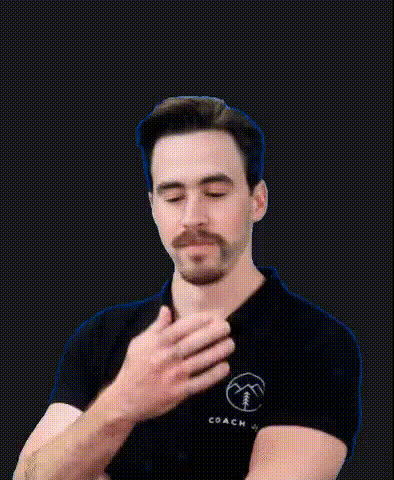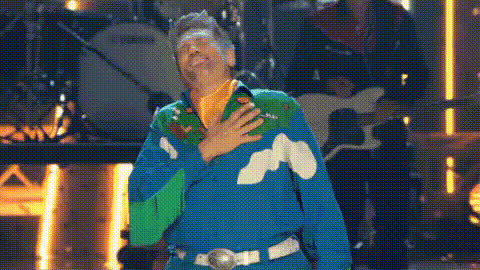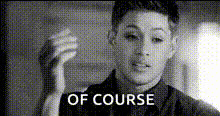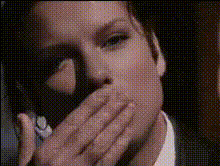
Boy Covering His Face
Overview
Transform your video projects with the Boy Covering His Face face swap template. This tool lets you replace the original face with any image of your choice, resulting in a seamless transition that's both engaging and humorous. Whether you're creating content for social media or for a professional project, this template brings creativity to your fingertips.
What It Does
The Boy Covering His Face template allows users to perform a video face swap, taking any face from your library and integrating it into the video where the boy's face appears. This process is perfect for generating engaging content without the need for intricate video editing skills. It's particularly useful for crafting humorous clips and social media highlights. For more advanced transformation options, explore our full selection including the Face Swap and Body Swap products.
Who It's For
This template is ideal for both amateur creators and professional video editors. If you're working on social media ads or developing engaging online content, this tool offers the flexibility and ease of use you need. It caters to anyone looking to spice up their projects with a creative touch, from influencers to marketing teams.
Summary
Incorporate the Boy Covering His Face template into your creative toolkit to make face swap videos that stand out. This tool is part of our comprehensive Video Face Swap offerings, ensuring high-quality transformations with minimal effort. Discover how this template can elevate your content and expand your creative possibilities.
How To
Choose Your Template

Customize Your Video

Generate and Download

Use Cases
Social Media Content
- Boost engagement with creative content
- Easily generate viral videos
Marketing Campaigns
- Add humor to promotional videos
- Enhance brand personality
Personal Projects
- Create birthday messages
- Craft personalized video greetings
Best Practices
Choose High-Quality Images
Use high-resolution images for face swaps to ensure the best output quality. Check our AI Image Upscaler for enhancements.Align Features Accurately
Ensure the eyes and mouth in the swapped face align as closely as possible to the original for a realistic look.Experiment with Angles
Try different angles of the face to see what works best for the video. Our AI Multi-Angle Generator can help create variations.