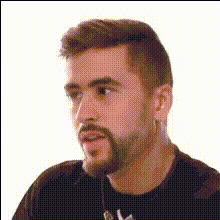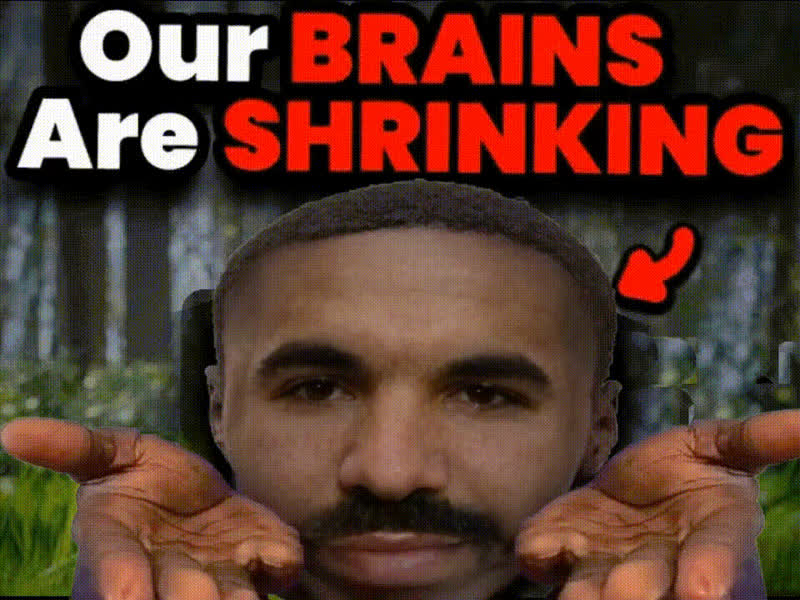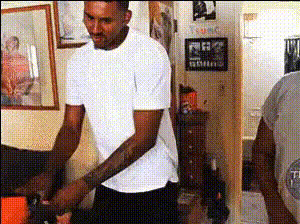
Man By Pool Questioning
Overview
Welcome to the "Man By Pool Questioning" video template. This Video Face Swap template allows you to overlay a face onto a character, making it perfect for creating funny and engaging clips with just a few clicks. Whether you're aiming for humor or simply trying to create something unique, this template is your ideal tool.
What It Does
This template enables you to perform a Video Face Swap using a source video of a man by a pool. Swap faces seamlessly to create hilarious and personalized content. The procedure is straightforward: choose your image, apply it to the template, and watch as your selected face becomes part of the action poolside. Explore other transformations like the Face Swap or enhance your creative ideas with our AI Image Editor.
Who It's For
This template is designed for content creators looking for a unique way to engage their audience. Ideal for social media managers, digital marketers, or anyone looking to create viral content. If you love experimenting with visuals, you'll also enjoy our Image to Video and AI GIF Generator products.
Summary
The "Man By Pool Questioning" template provides a fun and accessible entry into face-swapping technology, giving creators a chance to concoct something truly memorable. If you're searching for ways to make your content stand out, a Video Face Swap is a great way to differentiate and define your creative voice. For further enhancements, consider using the AI Video Generator or explore our Video Face Swap options for more inspiration.
How-To Guide
Choose Your Template

Customize Your Experience

Generate and Download

Use Cases
Entertaining Social Media Content
- Enhance your memes
- Boost engagement with unique content
Personalized Greeting Videos
- Create birthday messages
- Send funny holiday greetings
Brand Engagement
- Feature company mascots
- Engage with interactive campaigns
Best Practices
Select High-Quality Images
Ensure the face you plan to use is high-resolution for best results. Check the lighting and angle for effectiveness.Optimize Face Positioning
Align the new face with the host video frame to achieve a natural look.Experiment with Different Characters
Utilize different templates like the AI Talking Photo to explore various creative angles.