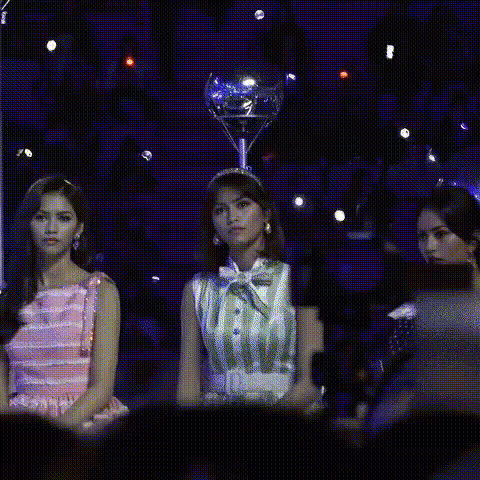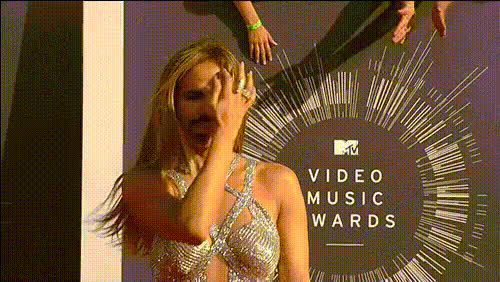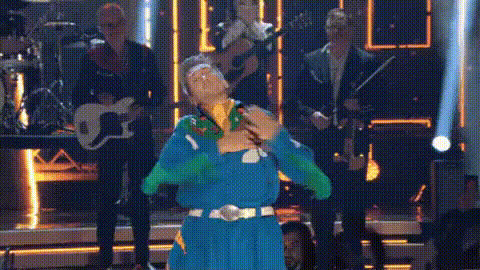
Lizzo Holding Emmy Award
Overview
This Video Face Swap template lets you swap your face for Lizzo's as she proudly holds an Emmy Award. Create video clips that are perfect for sharing on social media, sparking laughs, and driving engagement. Dive into our user-friendly Video Face Swap tool to get started with no prior expertise needed.
What It Does
With the Lizzo Holding Emmy Award template, you'll be able to insert your face into a video featuring Lizzo, making it seem like you are the Emmy holder. This template uses advanced AI technology to ensure your facial features are accurately overlaid. For other face-focused modifications, check out our AI Face Editor.
Who It's For
This template is ideal for content creators aiming to boost their social media presence with viral content, or friends looking for a fun project. Whether you're a marketer, influencer, or just someone who enjoys creative expression, this tool aligns perfectly with your goals. Discover more creative options with our AI Meme Generator.
Summary
Infuse humor into your content with the ability to star as Lizzo at an award ceremony. This template is fun, versatile, and easy to use, requiring only a simple image upload to execute the transformation. Try pairing it with other tools like the AI Voice Changer for a complete personal re-creation.
How To
Choose this Template

Customize Your Video

Generate Your Video

Use Cases
Social Media Engagement
- Viral video content
- Creative Instagram stories
- Memes for sharing
Entertainment
- Birthday video messages
- Office humor
- Friendly challenges
Marketing Campaigns
- Brand awareness
- Creative ads
- Increased engagements
Best Practices
Use High-Quality Images
For best results, ensure the photo you upload is high-resolution and well-lit to improve face detection accuracy.Position Your Face Correctly
Align your face centrally in the image, ensuring no obstructions, to make swapping successful.Review and Adjust
After generating, watch the entire video to ensure the face swap aligns well throughout. Retouch as needed using tools like the AI Face Editor.