Kylie Jenner Closeup
Overview
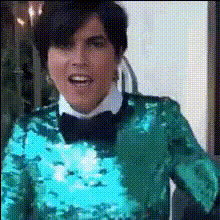
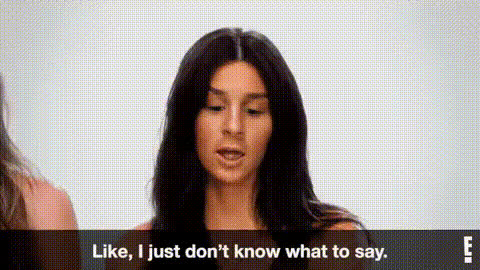
Experience the magic of transforming your video clips with the Kylie Jenner Closeup template. This Video Face Swap template allows users to integrate Kylie Jenner's iconic face into their own footage, creating shareable and engaging content perfectly tailored for social media platforms.
What It Does
The Kylie Jenner Closeup template enables users to seamlessly perform a face swap by overlaying Kylie Jenner's face on a subject in your video. Using advanced facial recognition and mapping technologies, the tool ensures realistic and high-quality results. Discover other features of our Video Face Swap product.
Who It's For
This template is ideal for content creators, influencers, and marketing professionals who want to boost engagement on platforms like Instagram and TikTok. It’s perfect for those in the entertainment and fashion industries looking to captivate their audiences. Explore more options with our AI GIF Generator and AI Video Generator.
Summary
Turn ordinary video projects into viral sensations with the Kylie Jenner Closeup face swap template. Part of our extensive lineup of transformation tools, this template ensures quick and user-friendly face swaps. For even more customization, try our AI Face Editor.
How To
Choose Your Template

Customize Your Video

Generate Your Video

Use Cases
Social Media Content
- Perfect for Instagram Reels and TikTok
- Ideal for influencer marketing campaigns
Marketing Campaigns
- Engage audiences with unique content
- Enhance brand storytelling
Entertainment
- Create fun and playful edits
- Connect with pop culture fans
Best Practices
High-Quality Source Material
For optimal face-mapping results, use high-resolution video files.Accurate Face Positioning
Ensure faces are well-lit and clearly visible for effective swapping.Test Different Settings
Experiment with facial alignment settings to achieve a natural look.