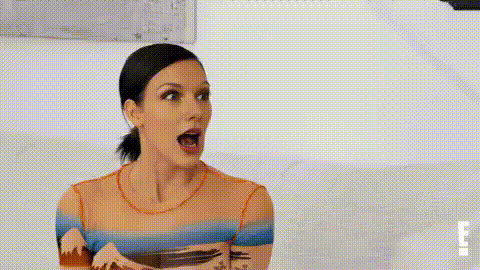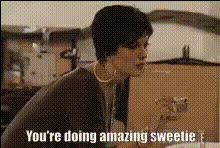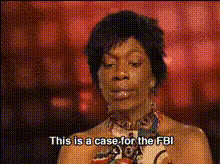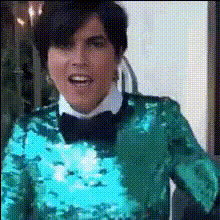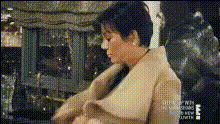
Kris Jenner Surprised Expression
Overview
Utilize the Kris Jenner Surprised Expression template to make your videos stand out. This Video Face Swap tool lets you creatively superimpose Kris Jenner's surprised face onto your own or others, adding a touch of humor to any clip. Perfect for producing engaging content, this template helps you capture your audience’s attention on platforms like Instagram or TikTok.
What It Does
The Video Face Swap template featuring Kris Jenner allows you to replace faces in your video with her iconic surprised expression. Using advanced AI technology, the template preserves natural motion and expression while swapping faces seamlessly. Learn more about its capabilities in our Video Face Swap tool.
Who It's For
This template is an ideal choice for content creators, social media enthusiasts, and anyone looking to add a comical twist to their videos. It's especially useful for marketers aiming to create viral content, as well as influencers looking to boost engagement with unique and humorous posts.
Summary
Embrace the power of facial transformations with the Kris Jenner Surprised Expression template. Perfect for adding humor to your content, this tool helps you create unforgettable videos. For more editing options, explore our AI Image Editor and AI GIF Generator to complement your face swap projects.
How-To
Choose Your Template

Customize Your Swap

Generate Your Video

Use Cases
Social Media Content
- Instagram Reels
- TikTok Videos
- Facebook Stories
Marketing Campaigns
- Promotional videos
- Brand engagement
- Viral marketing
Personal Entertainment
- Group videos
- Prank videos
- Birthdays and events
Best Practices
Select Clear Footage
For best results, use videos with clear faces and consistent lighting to ensure the face swap effect looks natural.Adjust Parameters
Make use of scaling and positioning options to ensure that the swapped face aligns perfectly with the original head's orientation.Use Complementary Tools
Enhance your videos with additional effects available through our AI Image Generator or add captions using the Text to Video tool.