Koro Sensei Close Up
Overview
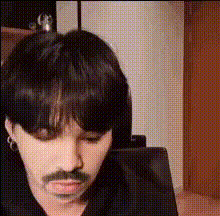
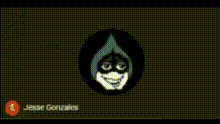
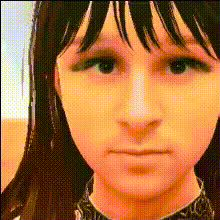
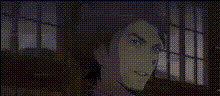
With the Koro Sensei Close Up template, you can transform your photos into dynamic anime-inspired videos. This template uses video face swap technology to blend the iconic Koro Sensei features seamlessly into your images, creating captivating animations. Whether for personal fun or creative projects, this tool opens up a realm of possibilities for anime enthusiasts.
What It Does
The Koro Sensei Close Up template leverages advanced video face swap technology to integrate Koro Sensei's face into your photos. Simply upload a clear image, and watch as the magic unfolds into an animated version featuring the expressive characteristics of this beloved anime character. Perfect for storytelling or creating engaging content for social media.
Who It's For
This template is ideal for anime fans looking to bring their favorite characters to life in a personalized way. Content creators on platforms like Instagram and TikTok, as well as anyone in the field of animatics or meme videos, will find it easy to incorporate these effects into their workflows. It's also a fun tool for localized video ads, allowing marketers to add a unique twist to their campaigns.
Summary
Experience the delight of transforming images into anime experiences with the Koro Sensei Close Up template. Utilize the precision of video face swapping to merge character features with your visuals for engaging and shareable content. Learn more about similar features in our Face Swap and AI Talking Photo products.
How To
Choose

Customize

Generate

Use Cases
Anime Fan Creations
- Create unique fan content
- Customize personal avatars
- Share on social media
Creative Marketing
- Engage viewers with unique visuals
- Differentiate your brand
- Utilize in social media campaigns
Social Media Content
- Boost engagement through unique animations
- Create shareable videos
- Grow your online presence
Best Practices
High-Quality Photos
For the best results, use high-resolution images with clear facial features.Lighting Conditions
Ensure that your original photo has good lighting to match seamlessly with the anime effects.Experiment with Angles
Try multiple photos with different angles to find the most striking result.