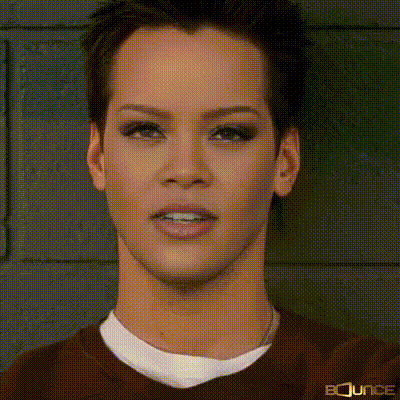
Close Up Male Face
Overview
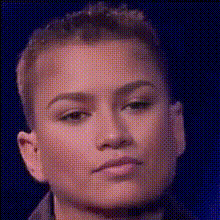
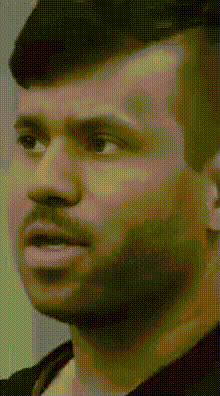
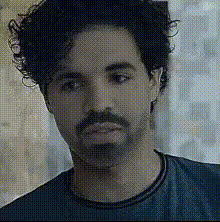
The Close Up Male Face template provides an advanced Video Face Swap tool that allows creators to transform faces in videos with precision. Using AI technology, this template makes it possible to seamlessly integrate different faces onto a close-up male subject.
What It Does
Our Close Up Male Face template enables the user to swap faces on new or existing video content. It's particularly adept at handling intimate, high-detail shots, capturing the intricacies of facial expressions. Pair it with other tools like the AI Face Editor for comprehensive facial modifications.
Who It's For
This template is perfect for video creators, marketers, and social media influencers looking to create engaging and unique content. Whether you're crafting a viral clip or enhancing an advertising campaign, integrating the AI Video Generator can amplify results.
Summary
Utilize the Close Up Male Face template to redefine your video content. Engineered for precision and realism, it provides a straightforward solution for quick and effective face swaps on close-up shots. Explore other creative possibilities with tools like the AI Talking Photo.
How To
Choose Template

Customize Inputs

Generate and Download

Use Cases
Social Media Content
- Create engaging content
- Craft viral moments
Marketing Campaigns
- Engage your audience
- Create memorable ads
Entertainment Productions
- Streamline casting options
- Expand creative possibilities
Best Practices
High-Quality Source Material
Use high-resolution videos for better accuracy and realism in face swaps.Light Consistency
Maintain consistent lighting for easier integration of swapped faces.Facial Alignment
Ensure facial orientation between the source and target is aligned to avoid mismatches.