Korean Tv Show Host
Overview
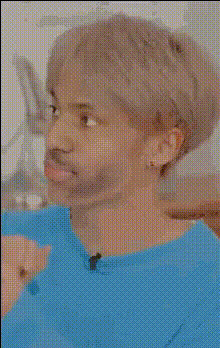
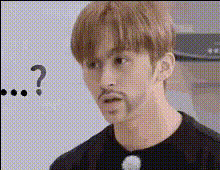
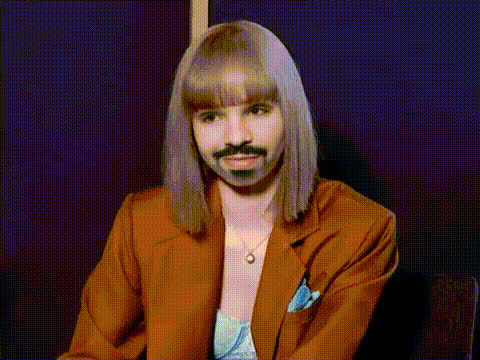
Dive into the world of entertainment with our Korean TV Show Host template. This Video Face Swap creation lets you step into the spotlight by merging your face with a popular TV host. Perfect for generating humorous and engaging content, this template is a fun way to innovate your video projects.
What It Does
Our Video Face Swap technology expertly aligns and blends facial features to create realistic videos that substitute your face with that of a Korean TV show host. Utilizing sophisticated algorithms, it maintains natural facial expressions and movements, ensuring the final video appears seamless. Whether you're crafting social media content or looking to enhance a comedic skit, our tool is your go-to resource.
Who It's For
This template is ideal for content creators, social media influencers, and aspiring comedians who want to add a touch of humor to their videos. It's also perfect for marketing professionals seeking to create dynamic and eye-catching content. From TikTok enthusiasts to Instagram Reels creators, anyone keen on spicing up their feed will find this template invaluable.
Summary
Transform your videos with our Korean TV Show Host Face Swap template. Leverage this tool to create captivating content that stands out. Explore similar tools such as the Face Swap, the Image to Video, and the AI Image Editor for more creative possibilities.
How-To
Choose the Template

Customize Your Inputs

Generate and Share

Use Cases
Social Media Content
- Engage viewers with unique content
- Boost follower interaction
- Ideal for TikTok and Instagram
Marketing Campaigns
- Create memorable ad content
- Appeal to a younger audience
- Perfect for digital marketing strategies
Entertainment
- Bring joy and laughter to events
- Create personalized entertainment
- Easy to use at any social gathering
Best Practices
High-Quality Images
Use clear, high-resolution images for the face swap to work best.Lighting Considerations
Ensure your photo has good lighting to achieve a more natural output.Blend Adjustment
Use the blend and size adjustments available in the tool to refine the swap.