Kim Kardashian Laughing (2)
Overview
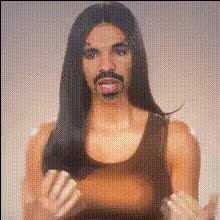
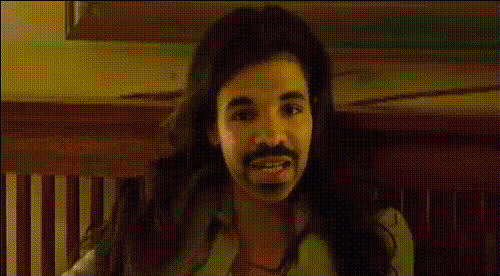
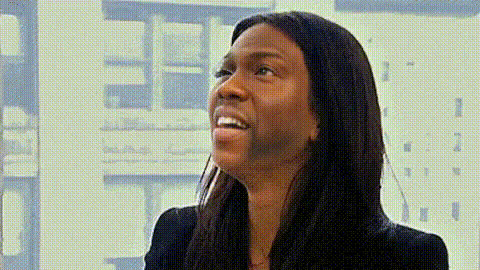
Transform your videos with the Kim Kardashian Laughing face swap template. This template allows users to insert Kim Kardashian's iconic laughing expression into their own videos, making it ideal for comedy and social media highlights. Simply upload your video, adjust the template settings, and watch as the magic happens.
What It Does
The Video Face Swap template overlays Kim Kardashian's laughing face onto the subject in your chosen video. By using advanced AI algorithms, it ensures smooth transitions and maintains the natural expressions of your original clip while adding a humorous twist. This tool is part of our Face Swap series and contributes to creating engaging visual content.
Who It's For
This template is perfect for content creators, prank enthusiasts, and anyone looking to add a bit of humor to their videos. If you're active on social media or platforms like TikTok or Instagram, using Kim Kardashian's face can help your content stand out. It's also a great fit for those utilizing our AI GIF Generator to produce quick, shareable clips.
Summary
The Kim Kardashian Laughing face swap is a creative tool that brings fun to your videos by integrating popular culture with technology. Compatible with various file formats, this template is accessible and easy to use. Pair this with tools like the AI Video Extender to enhance and lengthen your humorous content.
How To
Choose Your Template

Customize Your Video

Generate and Share

Use Cases
Prank Videos
- Surprise your friends with a familiar laughing face.
- Use in reaction videos for added comedic effect.
Social Media Content
- Participate in viral challenges using this face swap.
- Create unique content for memes and stories.
Content Promotion
- Add a humorous twist to promotional content.
- Engage with your audience through interactive media.
Best Practices
Choose Appropriate Video Clips
Ensure the original videos have clear facial features to achieve the best swap results.Adjust Lighting and Shadows
Carefully tweak the lighting to match the overlay for seamless integration.Test Different Facial Expressions
Experiment with various parts of the clip to see where the laughing face fits naturally.