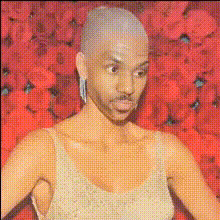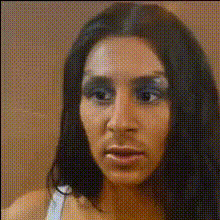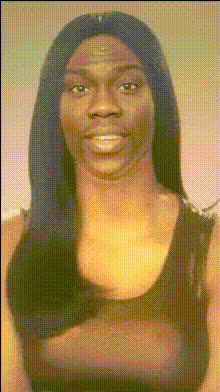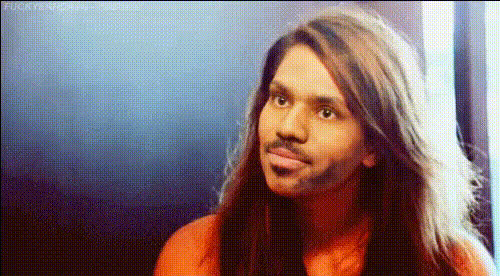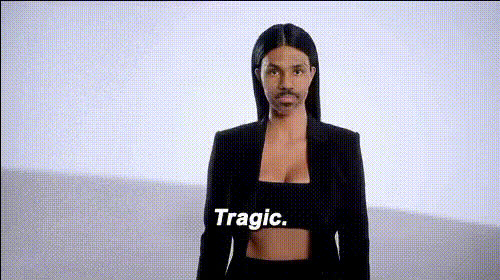
Kim Kardashian Applying Makeup
Overview
Experience a creative transformation with our Kim Kardashian Applying Makeup Video Face Swap template. This tool enables you to create engaging and unique videos by placing your face into scenes of Kim Kardashian expertly applying makeup. Utilize this to boost creativity in your content, making it ideal for social media platforms.
What It Does
The Kim Kardashian Applying Makeup template facilitates a video face swap that overlays your facial features onto a video of Kim Kardashian's makeup routine. Using advanced face alignment technology, it ensures a seamless blend, making your final video look professional and polished. It's perfect for capturing attention and driving engagement.
If this template aligns with your needs, explore other exciting features available in our Video Face Swap or discover creative possibilities with the AI Video Generator.
Who It's For
This template is designed for content creators, influencers, and social media enthusiasts looking to spice up their video content. Whether you're in the beauty industry, entertainment, or simply want to add a unique twist to your personal profile, this tool helps you stand out. It’s also suitable for anyone wanting to experiment with video transformations and enhance their storytelling.
Enhance your creativity further with our AI Image Editor to refine your static images, or use the AI Image Generator for new visual elements.
Summary
With a focus on transforming your visual content through face swapping with Kim Kardashian, this template is a powerful asset to anyone looking to engage more deeply with their audience. By leveraging technology typically used in professional settings, you can now create polished, captivating videos with ease.
Try other face transformation tools such as the Face Swap or the dynamic Body Swap for diverse content creation.
How-To
Choose Template

Customize Inputs

Generate Video

Use Cases
Social Media Content
- Showcase makeup transformations
- Engage followers with unique content strategies
Marketing Promotions
- Enhance brand storytelling
- Draw audience attention
Entertainment Projects
- Create comedy sketches
- Introduce unique character roles
Best Practices
Choose High-Quality Images
For best results, ensure the image you upload is high-resolution, as it will improve the realism of the face swap.Fine-Tune Lighting
Match the lighting conditions between your image and the target video to increase believability in the swap.Experiment with Angles
Try different angles to see which works best with your features and the video's dynamics.