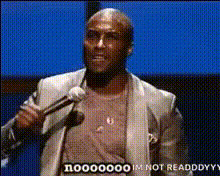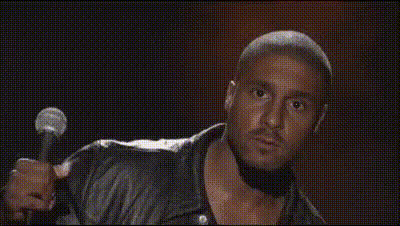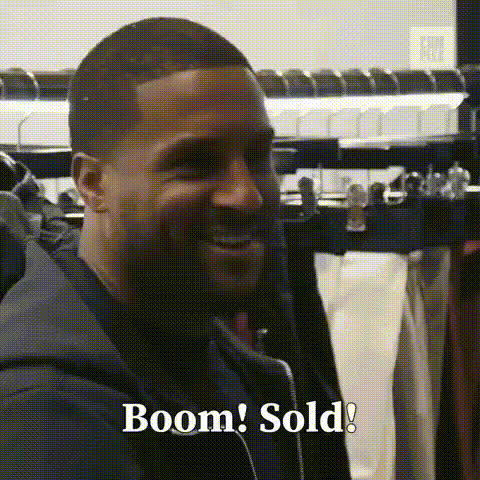
Kevin Hart Funny Face Meme
Overview
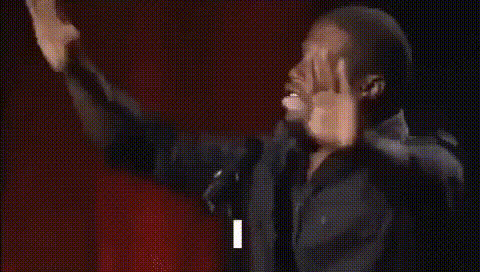
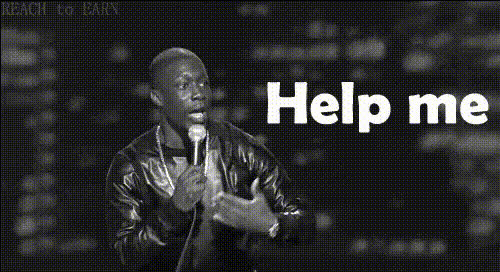
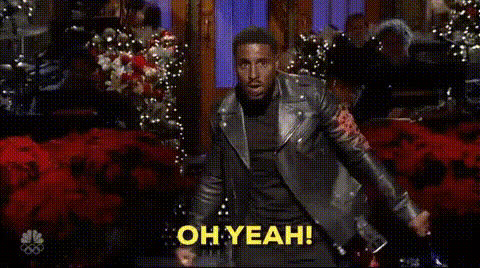
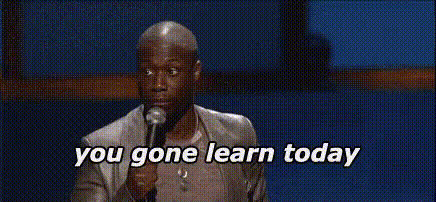
The Kevin Hart Funny Face Meme template is a light-hearted, humorous tool designed to bring out the comedic flair in any video by swapping faces with Kevin Hart's iconic expressions. Whether you're looking to entertain your friends or enhance your brand's social media presence, this template enables you to create attention-grabbing content quickly.
What It Does
This Video Face Swap template overlays Kevin Hart’s memorable facial features onto your selected video, transforming ordinary moments into hilarious segments. Utilizing advanced facial recognition technology, it seamlessly integrates his expressions onto your chosen scene, providing you with a polished, meme-worthy output.
Who It's For
For creators looking to inject humor into their content, the Kevin Hart Funny Face Meme template is an excellent choice. Marketers aiming to create viral social media content, or influencers wanting to add a comedic twist to their posts, will find this tool indispensable. It's also a great fit for anyone exploring meme video creation or looking to generate laughs through digital transformations.
Summary
The Kevin Hart Funny Face Meme template is a versatile Face Swap tool, perfect for generating engaging, humorous videos. With its user-friendly setup, even those new to digital content creation can easily swap faces and share viral-worthy clips. Engage your audience with comedic creativity, using AI Meme Generator tools for a touch of humor.
How To
Choose Your Template

Customize Your Content

Generate and Download

Use Cases
Social Media Campaigns
- Create viral Instagram or TikTok clips
- Enhance brand discovery with humor
- Engage audiences with shareable content
Personal Entertainment
- Create birthday greetings with a comedic twist
- Develop funny retorts in group chats
- Generate lighthearted holiday videos
Marketing Promotions
- Boost ad recall with laughter
- Integrate memes in promotional content
- Capture viewer attention in seconds
Best Practices
Choose Dynamic Scenes
Opt for videos with expressive scenes where a face swap will be more noticeable and impactful.Mind the Lighting
Ensure your original video is well-lit for the AI to accurately adapt Kevin Hart’s face, ensuring a high-quality transformation.Utilize Supplemental Tools
Combine with tools like the AI Image Upscaler for enhanced resolution or the AI GIF Generator for creating shareable clips.