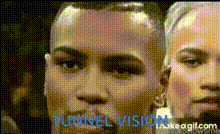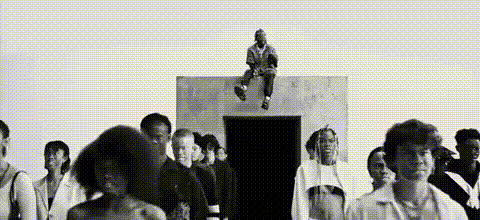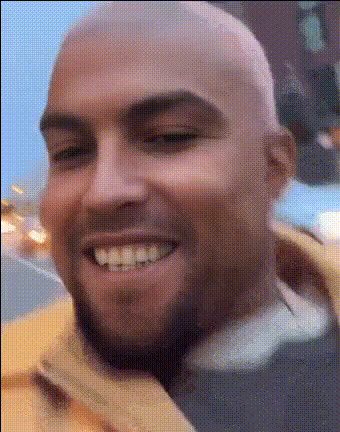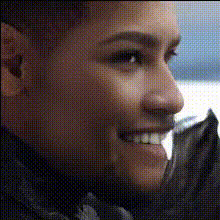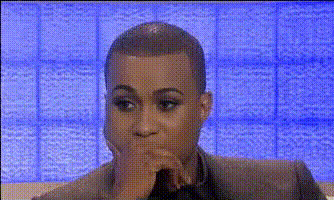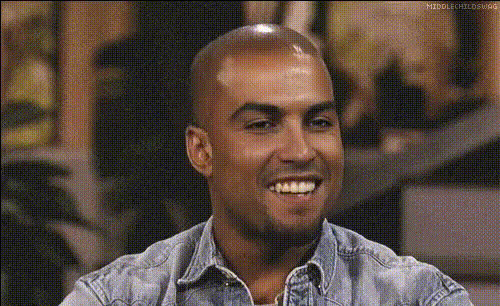
Kanye West Serious Expression 1
Overview
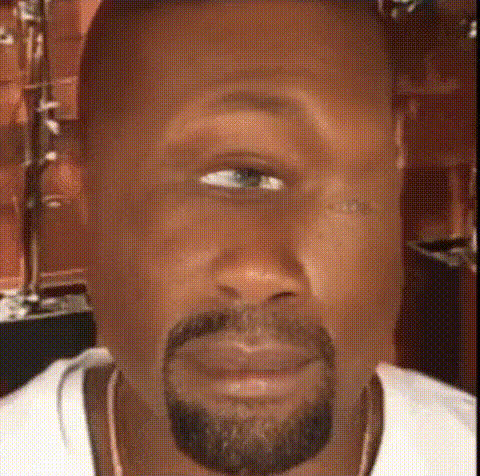
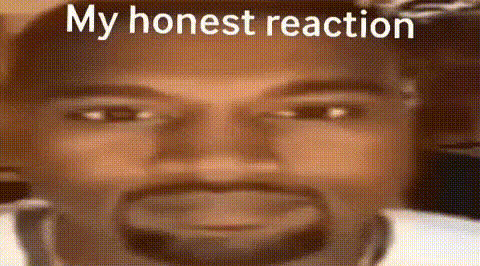
Combine humor with technology using the Kanye West Serious Expression template. This Video Face Swap template allows you to overlay Kanye's iconic serious expressions onto any face in your videos. It's a creative tool perfect for entertainment and meme creation.
What It Does
This template swaps the face of any person in your video with Kanye West's serious expression. Advanced facial mapping ensures expressions sync realistically. The resulting video can be used for a variety of applications including fun social media content and meme creation.
Who It’s For
Designed for content creators, meme enthusiasts, and digital marketers, this face swap template is a tool for anyone looking to engage audiences with humorous content. It's also ideal for agencies creating viral social media ads and entertainment content.
Summary
The Kanye West Serious Expression template offers an easy way to transform videos into comedic pieces. By integrating this with Magic Hour's suite of tools such as the AI GIF Generator or Lip Sync tools, users can broaden their content's appeal and versatility.
How-To
Choose the Template

Customize Your Video

Generate Your Video

Use Cases
Viral Meme Creation
- Converting any mundane moment into a hilarious meme
- Enhancing comedic storytelling
Social Media Engagement
- Developing shareable content
- Increasing audience interaction
Entertainment Content
- Producing skits or parody videos
- Adding humor to existing projects
Best Practices
High-Quality Input Videos
Ensure your input videos are high resolution for the best face swap accuracy and results.Choose the Right Scenes
Select scenes with clear frontal views to maximize the effectiveness of the face swap.Experiment with Different Settings
Try different swap settings and refine them to match the tone and style of your video.