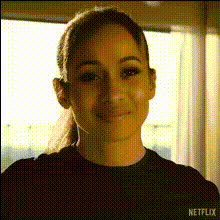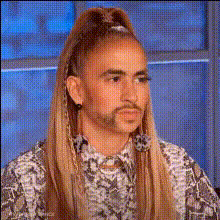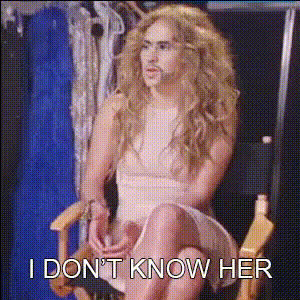
Jennifer Lopez Sitting Surprised
Overview
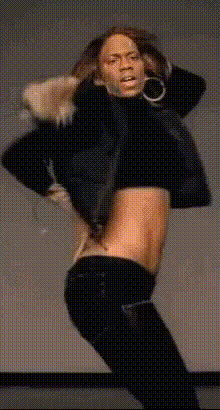
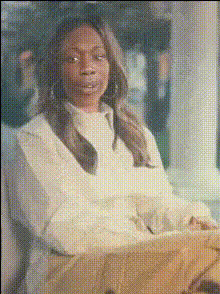
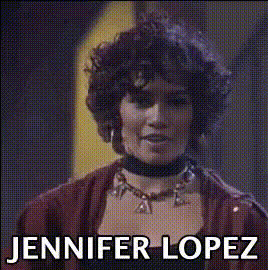
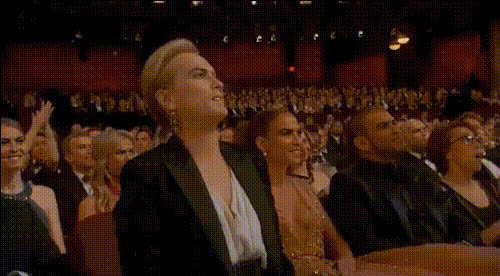
Bring a touch of celebrity surprise to your videos with the Jennifer Lopez Sitting Surprised face swap template. Perfect for content creators who want to add a twist of fame to their projects, this template allows you to superimpose Jennifer Lopez's face onto your selected videos, just as she's caught in a moment of surprise. Ideal for meme videos or funny skits, this tool offers an engaging way to captivate your audience.
What It Does
This Video Face Swap template effortlessly maps Jennifer Lopez’s likeness onto any person in your video scenes, particularly those portraying a surprised reaction. By leveraging advanced video processing techniques, the tool maintains the integrity of facial expressions, ensuring that the final output looks both realistic and entertaining.
Who It's For
Whether you're a social media influencer aiming to spice up your content or a marketing professional looking to create more engaging ads, this template is designed for anyone looking to integrate celebrity appeal into their project. It's particularly useful for those involved in creating social media ads or seeking to drive engagement through playful and unexpected content transformations.
Summary
Transform ordinary video clips into attention-grabbing masterpieces with the Jennifer Lopez Sitting Surprised template. This tool is not only about adding a celebrity face; it's about creating content that stands out and resonates with viewers. Also explore our AI Video Generator to expand your creative possibilities with other templates.
How to Use
Choose Your Template

Customize Your Video

Generate and Download

Use Cases
Social Media Engagement
- Instagram Stories
- TikTok Videos
- Facebook Reels
Marketing Campaigns
- Product Launch Teasers
- Event Promotions
- Seasonal Campaigns
Personal Projects
- Birthday Greetings
- Anniversary Wishes
- Personalized Video Invitations
Best Practices
Maintain High-Quality Video
Ensure your source video is high-quality to optimize face overlay results. Consider using our AI Image Upscaler for enhancements.Choose Suitable Scenes
Select video scenes where facial expressions are clear and well-lit to enhance the swap effect.Optimize for Platforms
Adjust the video dimensions according to the social media platform where you intend to publish. Refer to our Video-to-Video editor for necessary adjustments.