Jay Chow On Tv Show
Overview
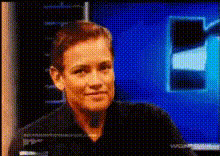
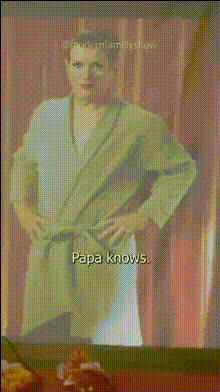
Step into the world of Jay Chou with our "Jay Chow On TV Show" Video Face Swap template. Transform your face into that of the iconic star and capture the essence of his memorable TV performances. This template is designed to create engaging and unique content for fans and creators alike.
What It Does
This template uses advanced AI video generation to perform a face swap, allowing you to become Jay Chou and mimic his TV show atmosphere. It works by overlaying your facial features onto video clips that capture Jay's distinctive style, providing you a vivid and immersive transformation.
Who It's For
Ideal for social media ads, content creators, and fans of Jay Chou, this template is perfect for anyone looking to add a personal touch to their projects. Whether you're creating fan tribute content or simply want to have some fun, this tool makes your video transformations professionally standout.
Summary
The "Jay Chow On TV Show" template is your gateway to transforming into a pop culture icon. With the power of Face Swap technology, fans and creators can produce high-quality, shareable content that resonates with both new and old audiences. Embrace your creative side and start your transformation journey today.
How-To
Choose the Template

Customize Your Video

Generate Your Content

Use Cases
Social Media Content
- Instagram reels
- TikTok videos
- Fan interactions
Fan Tribute Videos
- Tribute compilations
- Fan club events
Creative Fun
- Pranks
- Gags
- Personal entertainment
Best Practices
High-Quality Input
Ensure the photo you upload is of high quality and clarity to achieve the best face swap results.Adjust Lighting
Match the lighting of your photo to that of the video for a seamless transformation.Experiment with Angles
Try different angles and expressions in your source photo to see which yields the most convincing results.