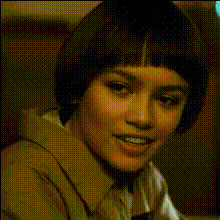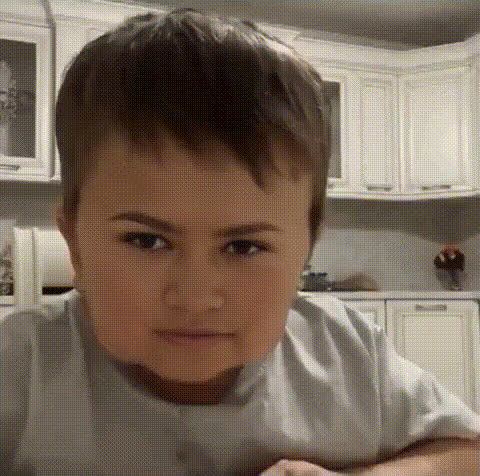
Happy Young Boy Face
Overview
Transform your video projects with our Happy Young Boy Face Swap template, designed for creators looking to add a playful touch to their content. This Video Face Swap template is ideal for producing fun and engaging clips for social media.
What It Does
The Happy Young Boy Face Swap template allows you to replace faces in your videos with the cheerful visage of a young boy. This Face Swap tool is perfect for adding a humorous element or for creative storytelling. The output is compatible with a wide range of platforms, making your videos ready to share instantly.
Who It's For
Targeted at content creators, social media influencers, and video enthusiasts, this template offers a new dimension of creativity. Perfect for those looking to generate laughter and engagement on platforms like TikTok and Instagram. If you enjoy using AI GIF Generator tools, this template will expand your toolkit for dynamic video content.
Summary
The Happy Young Boy Face Swap template is a fantastic choice for anyone aiming to produce lively and amusing content. With simple tools and procedures, your face swap videos can become the highlight of your social media strategy. Consider it alongside other creative products like the AI Image Editor to further enhance your visual storytelling.
How To
Choose Your Template

Customize Your Video

Generate and Export

Use Cases
Amusing Social Media Content
- Engage followers with humorous clips.
- Promote user interaction and sharing.
Entertainment Videos
- Enhance storylines with fun twists.
- Offer unique scenes in creative projects.
Marketing and Advertising
- Create standout ads with a comedic appeal.
- Enhance brand visibility with viral content.
Best Practices
Ensure Video Quality
Start with high-resolution video for the best swap results. Consider using the AI Image Upscaler to improve input quality.Select Appropriate Scenes
Choose scenes where the face is clear and well-lit to enhance the swap effect.Test Different Angles
Experiment with various angles and expressions to achieve the most entertaining outcomes.