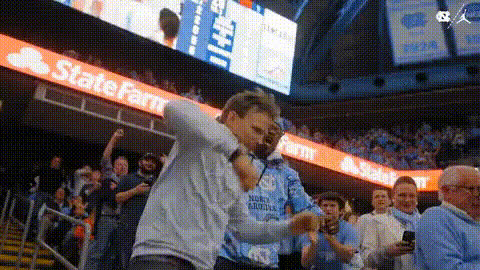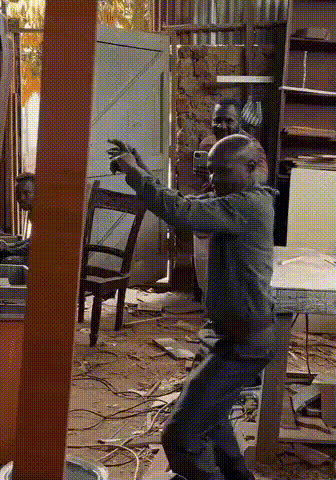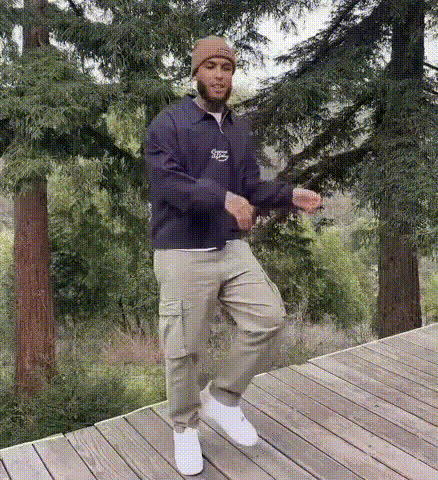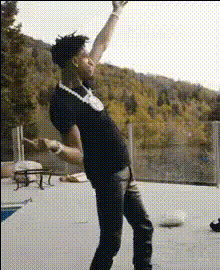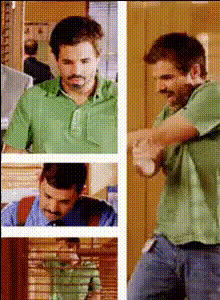
Guy In Green Shirt Dancing
Overview
Step into the spotlight and create entertaining content with the Guy In Green Shirt Dancing template. This Video Face Swap tool enables you to replace the face of a dancer with your own, resulting in a fun and lively video. Use it to add flair to parties, enhance your social media presence, or just bring a smile to friends' faces.
What It Does
By utilizing the Guy In Green Shirt Dancing template, you can seamlessly map your facial features onto a video of a lively dancer. This template leverages advanced facial recognition technology to ensure the face swap is both accurate and convincing, maintaining skin tone and expressions. The output is a high-quality video that captures every dance move with your face in place.
Who It's For
This template is perfect for content creators looking to add a humorous twist to their videos, social media influencers who want to engage their audience with unique content, and anyone seeking a memorable gift idea for friends. No advanced video editing skills are required, making it accessible for beginners exploring the world of AI Video Generation.
Summary
The Guy In Green Shirt Dancing template provides a simple yet powerful way to personalize videos with comedic charm. Ideal for generating shareable content that is sure to delight viewers, it opens up a world of possibilities for creative expression. Consider pairing it with tools like the AI GIF Generator to expand your content portfolio.
How To Structure
Choose Your Template

Customize Your Inputs

Generate Your Video

Use Cases
Social Media Entertainment
- Engage Instagram followers with dance challenges.
- Start TikTok trends with quirky dance clips.
- Liven up Facebook feeds with fun videos.
Virtual Party Fun
- Create dance-off competitions with personalized videos.
- Use as icebreakers during Zoom parties.
- Share in group chats for laughs.
Video Marketing
- Create catchy promotional content for brands.
- Use in social media ads to capture attention.
- Produce memorable content for brand storytelling.
Best Practices
Choose High-Quality Images
Ensure the image you upload is clear and well-lit for the best face-swapping results.Check Face Alignment
Use the alignment tools to adjust the position of your face, making sure it fits naturally on the dancer's body.Experiment with Expressions
Upload images with different facial expressions to see which works best for the tone of your video.