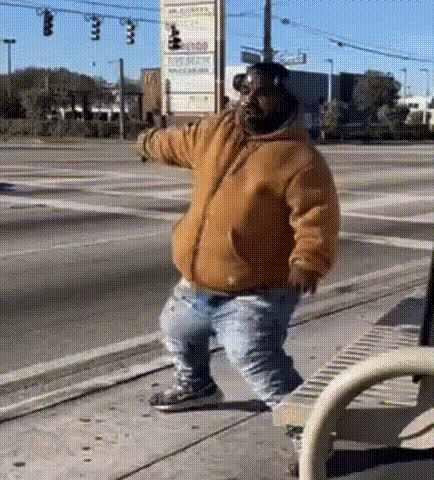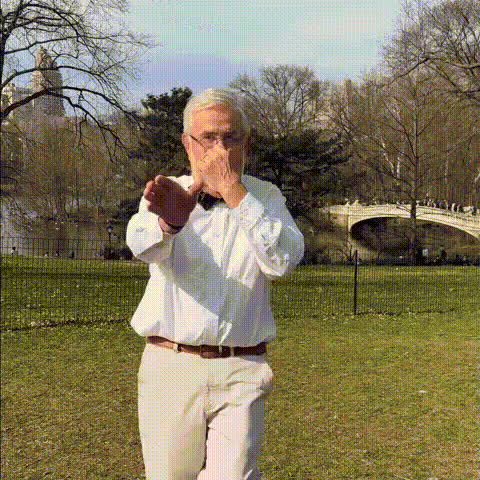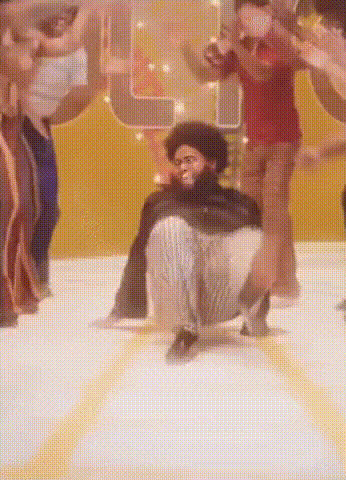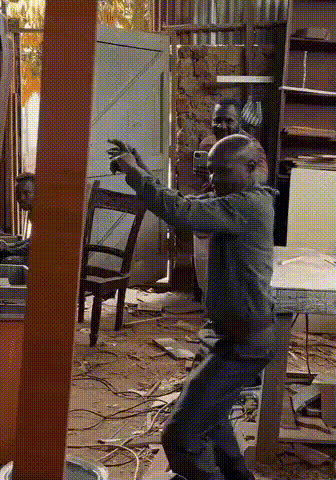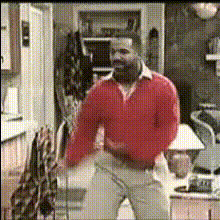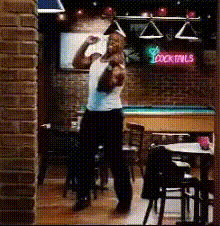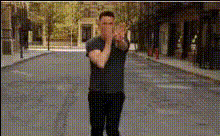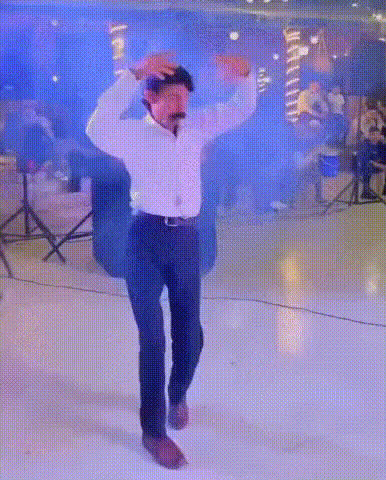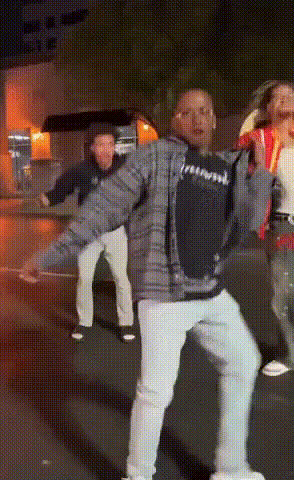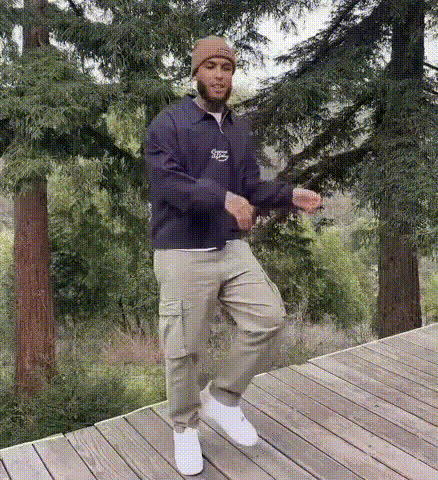
Man Dancing Outdoors
Overview
Transform any face into a dancing sensation with the Man Dancing Outdoors video template. This Video Face Swap template allows you to switch facial features onto a lively dancing character, set against an outdoor backdrop, making for engaging and humorous content.
What It Does
This template enables you to replace the face of a dancing man with any face of your choice, creating funny and captivating videos. It’s perfect for those looking to create entertaining content quickly and easily. Use it in conjunction with the AI Video Generator to further customize your video’s style and format.
Who It's For
Ideal for content creators, social media marketers, and anyone who wants to add a comedic touch to their videos. If you regularly generate content for social media ads, memes, or any humorous project, this template will be a valuable addition to your toolkit.
Summary
The Man Dancing Outdoors template provides an easy way to engage your audience with funny and creative content. Combine it with tools like the AI Image Editor to perfect the look, or the AI Image Upscaler for high-resolution outputs.
How-To
Choose Your Template

Customize Your Video

Generate and Export

Use Cases
Social Media Content
- Engaging Instagram Reels
- Funny TikTok clips
Marketing Campaigns
- Memorable ad visuals
- Increased user engagement
Personal Entertainment
- Birthday shoutouts
- Inside jokes
Best Practices
Select High-Resolution Images
High-quality images ensure the face swap looks natural and seamless.Adjust Face Position
Make sure the face aligns well with the original character for best results.Preview Before Exporting
Always preview your video to make any final adjustments before downloading.