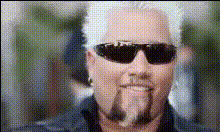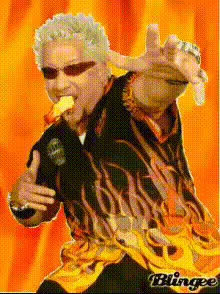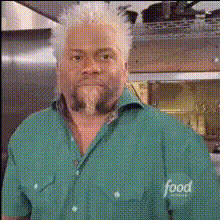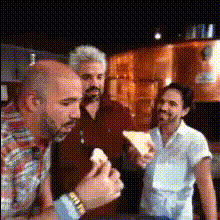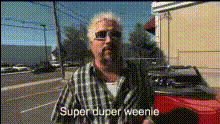
Guy Fieri Super Duper Weenie
Overview
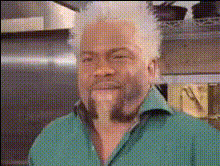
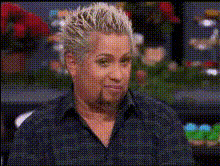
Transform your video content in dynamic and entertaining ways with the Guy Fieri Super Duper Weenie template. Designed for creative and humorous videos, this Video Face Swap template lets you swap faces with the culinary icon himself, Guy Fieri. Bring a slice of comic relief to your projects or spice them up in a way your audience won't forget.
What It Does
The Guy Fieri Super Duper Weenie template uses AI-driven facial recognition technology to accurately swap faces in videos. All you need is a video clip and a face, and the template meticulously maps the features to create seamless integration. The result is a fun, high-quality video ready for sharing across platforms.
For more powerful transformation features, explore AI Talking Photo and discover the magic of making photos animate.
Who It's For
This template is perfect for content creators who thrive on humor and surprise. YouTubers, social media influencers, advertising teams, and anyone in need of a good laugh will find this tool incredibly useful. If you're involved in producitng viral content or seeking to personalize video ads, it's a great asset to your toolkit.
Summary
The Guy Fieri Super Duper Weenie template elevates your video content by injecting humor and creativity through face-swapping technology. Ideal for creators focused on engaging and entertaining their audience, this tool is user-friendly and requires minimal setup.
Pair it with the AI Voice Changer to add an extra layer of customization to your projects.
How to Use the Template
Choose Your Video

Customize Face Swap

Generate and Share

Example Use Cases
Social Media Humor
- Boost post visibility
- Enhance user engagement
Promotional Content
- Reinforce brand identity
- Achieve wider reach
YouTube Comedy Sketches
- Increase subscriber base
- Foster community interaction
Best Practices
High-Quality Images
For the best results, use high-resolution images for both the video and the face to be swapped.Lighting Considerations
Ensure consistent lighting in both the source video and the facial image for more natural-looking results.Review and Adjust
Always review the initial output to make fine adjustments for facial alignment and expression synchronization.