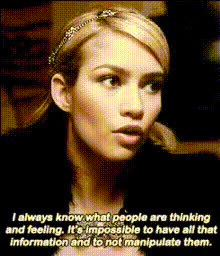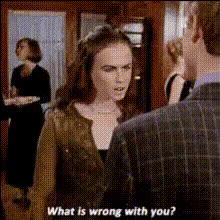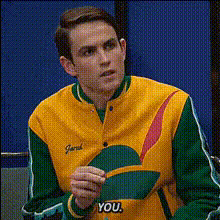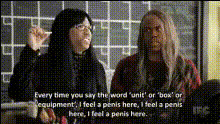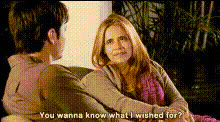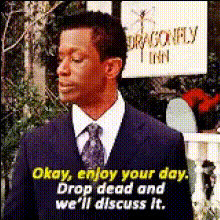
Gilmore Girls Sarcastic Goodbye
Overview
Reimagine the iconic farewell scene from Gilmore Girls with our Video Face Swap template. Infuse your own face or that of a friend into the scene to add a layer of humor and transformation. This template makes it easy to create shareworthy content that will entertain your audience.
What It Does
This template takes the beloved farewell scene from Gilmore Girls and allows you to perform a face swap using AI technology. You can integrate faces into the video seamlessly, maintaining the sarcastic tone while injecting personalized humor. The result is a unique video that retains the original dialog and timing but presents a fun, altered visual.
Who It's For
Fans of Gilmore Girls, content creators, and anyone who enjoys memes or parodies will find this template perfect for their needs. It's ideal for social media influencers looking to engage their followers with humorous content. Also, video editors seeking to experiment with AI-driven face transformations will appreciate its versatility.
Summary
The Gilmore Girls Sarcastic Goodbye template enables you to create a memorable and humor-packed video by swapping faces in a classic scene. Discover more about video face swapping and how it can transform your content. Explore other tools like the AI Video Generator and the Lip Sync to further enhance your video creation capabilities.
How-To
Choose Template

Customize Your Inputs

Generate and Download

Use Cases
Social Media Engagement
- Easy to share on platforms like TikTok and Instagram.
- Captivate your audience with humorous, recognizable content.
Homage Parodies
- Express fandom through creative transformations.
- Perfect for fan pages and tribute accounts.
Personalized Memes
- Blend personal elements into well-known TV scenes.
- Elevate memes with engaging video content.
Best Practices
Choose High-Quality Photos
Select high-resolution images for the face swap to ensure clarity and realism in the final video.Consider Lighting and Angles
Match the lighting and angle of your input photo with the original scene for a more natural result.Experiment with Multiple Takes
Try different expressions and headshots to see which works best with the scene, adding to the humor.