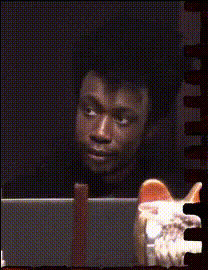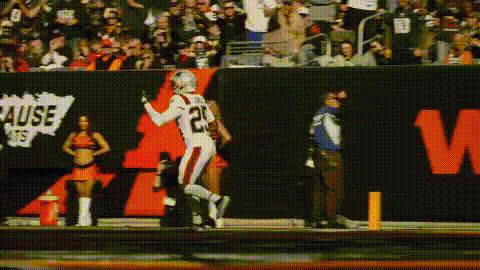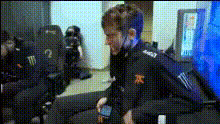
Gamer Playing Video Game
Overview
The "Gamer Playing Video Game" template is a powerful tool for content creators looking to enhance their gaming videos. This Video Face Swap template allows you to replace your or another person's face with that of a gamer character, adding a unique twist to any gaming clip.
What It Does
This template utilizes advanced Video Face Swap technology to allow users to integrate a new face into existing gaming footage. Imagine overlaying your face or that of someone else's onto an avid gamer engrossed in play. The result is a customized video that truly stands out.
To refine your editing skills further, you might explore our AI Image Editor for seamless integration into your gaming content.
Who It's For
This template is perfect for gaming influencers, content creators, and gamers who want to add a humorous or creative flair to their videos. It's also ideal for social media enthusiasts looking to captivate their followers with interactive and engaging content. With tools like the Image to Video and Head Swap, creators have multiple options for customizing their videos.
Summary
By using the "Gamer Playing Video Game" template, users can effortlessly create interactive video content by swapping faces. Leveraging our top-of-the-line Face Swap tool, this template empowers users to make their gaming videos more personalized and entertaining.
How-To
Choose the Template

Customize Your Inputs

Generate and Download

Use Cases
Gaming Channel Enhancement
- Replace your face with that of a specific character for thematic content.
- Create unique intros for your video content.
Social Media Engagement
- Use personalized videos to engage followers.
- Create shareable moments that enhance visibility.
Event Promotion
- Swap in familiar faces for event teasers.
- Create unique promotional videos for contests.
Best Practices
Choose Appropriate Lighting
Ensure the video used has well-balanced lighting to improve swap accuracy.Select High-Quality Faces
Use high-resolution images for face swapping to maintain video quality.Experiment with Angles
Use various facial angles to find the best fit for face replacement.