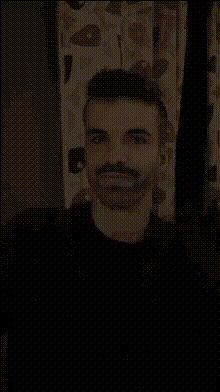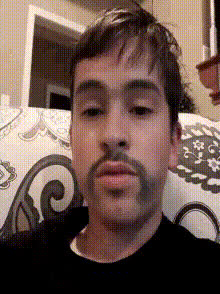
Funny Shut Up Face
Overview
The "Funny Shut Up Face" template delivers a comedic touch to your videos by allowing you to swap faces in a video with an amusing twist. This template leverages Magic Hour's advanced Video Face Swap capabilities to help you create captivating and entertaining content that stands out.
What It Does
With the "Funny Shut Up Face" template, you can transform ordinary faces into hilarious expressions, drawing attention and eliciting laughs. This tool uses Video Face Swap technology to seamlessly replace faces in your video with humorous alternatives, making it perfect for comedy sketches and meme content.
Who It's For
This template is ideal for content creators aiming to spice up their videos with humorous face swaps. Whether you're a YouTuber, meme creator, or just someone who enjoys making friends laugh, this tool helps you craft content that resonates. It also complements projects like AI Meme Generator for creating viral social media posts.
Summary
Bring your funniest ideas to life with the "Funny Shut Up Face" video template. Designed for those who love transforming their video content with humor, this tool offers seamless integration with Magic Hour's suite of creative tools, ensuring that your content feels fresh and engaging. Explore more options like the AI GIF Generator to extend your creative possibilities.
How-To Structure
Choose the Template

Customize Your Input

Generate and Download

Use Cases
Comedy Videos
- Use face swaps for skits or humorous commentary.
- Transform speeches into comedy acts.
Social Media Memes
- Create trending memes with exaggerated expressions.
- Pair with <a href="/products/ai-meme-generator">AI Meme Generator</a> for viral content.
Marketing Campaigns
- Capture attention with quirky adverts.
- Boost engagement through humor.
Best Practices
Select Clear Videos
Ensure your input video is clear and well-lit for the best face swap accuracy.Stable Faces for Best Results
Choose videos where faces remain in a stable view for optimal swapping.Explore Variations
Experiment with different face swap styles to find the most humorous effects. Combine with Lip Sync features for added humor.