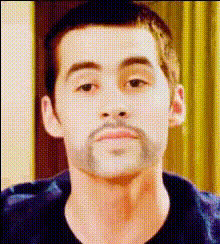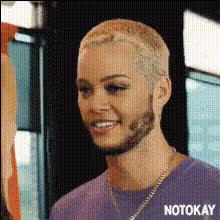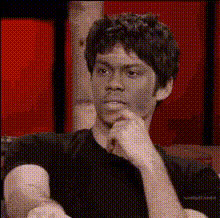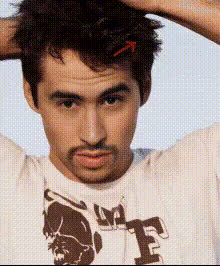
Dylan Venturing Ace
Overview
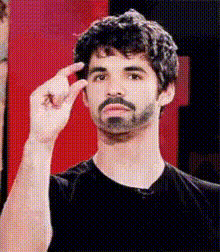
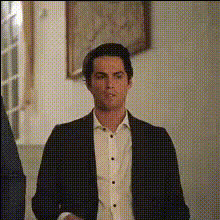
The Dylan Venturing Ace template allows creators to insert different faces onto a dynamic video backdrop, crafting visually stunning content. Perfect for promotional material, memes, and social media posts, this Video Face Swap tool transforms professional and personal projects with high fidelity.
What It Does
This template leverages advanced facial recognition technologies to perform face swapping in videos, making it possible to switch faces within video sequences while maintaining realistic movement and expressions. Output files are available in common video formats suitable for various uses, from online sharing to professional editing.
Who It's For
Designed for content creators, marketers, and video enthusiasts looking to enhance their projects with creative flair, the Dylan Venturing Ace is ideal for producing engaging content quickly. It's particularly beneficial for those involved in social media ads and meme videos seeking a novel way to capture audience attention.
Summary
Utilizing the Dylan Venturing Ace template allows users to effortlessly add a transformative element to video projects. With its seamless integration into various editor workflows, this tool is a must-have for anyone looking to innovate their text-to-video presentations or AI-driven video creations.
How-To
Choose Your Template

Customize Your Video

Generate and Download

Use Cases
Social Media Campaigns
- Engage followers with unique, shareable content
- Boost brand presence with personalized videos
Meme Creations
- Design culturally relevant content
- Quickly iterate meme ideas for virality
Promotional Videos
- Make product features more engaging
- Humanize brand stories with faces familiar to your audience
Best Practices
Ensure High-Quality Inputs
Use high-resolution images and videos for the best results when swapping faces.Keep Lighting Consistent
Align the lighting conditions of the face image and the target video to achieve seamless integration.Test with Different Angles
Experiment with various angles to find the most realistic match, enhancing the overall effect.