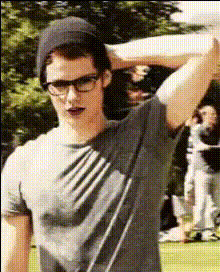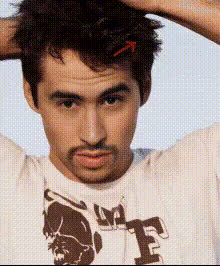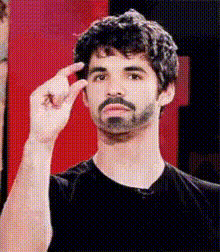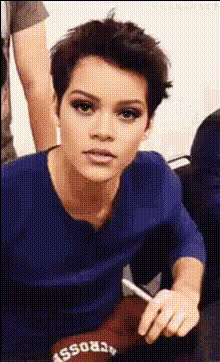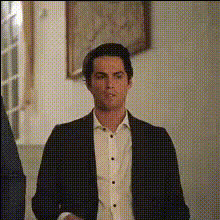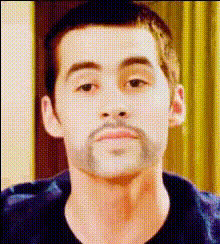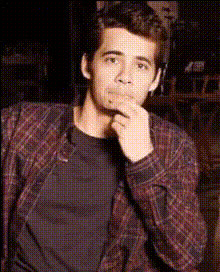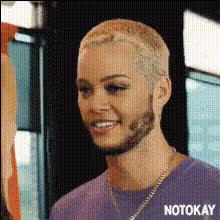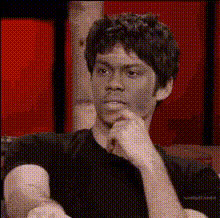
Dylan Obrien Relaxed Pose
Overview
The Dylan O'Brien Relaxed Pose template is your go-to for creating engaging and dynamic video content. This Video Face Swap template allows you to integrate Dylan O'Brien's charming features into your media, adding a captivating touch to your projects.
What it Does
This template enables you to replace the face in your existing videos with Dylan O'Brien's relaxed expression. It's perfect for Face Swap enthusiasts looking to spice up their content, whether for personal projects or social media campaigns. The result is a professionally fused image, enhancing the video's originality and appeal.
Who It's For
Ideal for content creators, social media influencers, and marketers aiming to boost engagement through creative transformations. If you're working on Image to Video projects, or wish to incorporate celebrity faces without cumbersome editing, this template provides a streamlined solution.
Summary
With the Dylan O'Brien Relaxed Pose template, you can effortlessly embed a familiar face into your video to captivate audiences. Enhance your creative toolkit by integrating this with other tools like the AI Image Editor for a polished finish, ensuring your videos stand out in any feed.
How-to
Choose the Template

Customize Your Inputs

Generate Your Video

Use Cases
Social Media Content
- Create eye-catching Instagram stories
- Develop playful TikTok scenarios
Marketing Campaigns
- Enhance brand recognition
- Appeal to a wider audience
Personal Projects
- Celebrate special occasions with a unique touch
- Impress friends with creative edits
Best Practices
Select High-Quality Videos
For the best results, use videos with clear lighting and minimal motion blur.Align Faces Correctly
Ensure the faces are properly aligned during customization to prevent distorted outputs.Utilize Other Tools
Enhance your video further with the AI Voice Changer to add audio that complements the visual transformation.