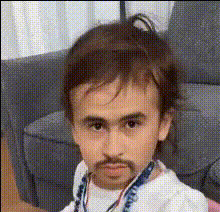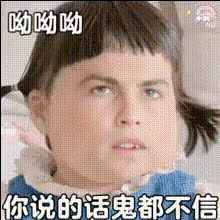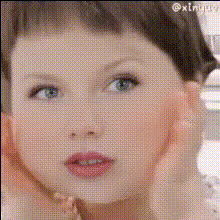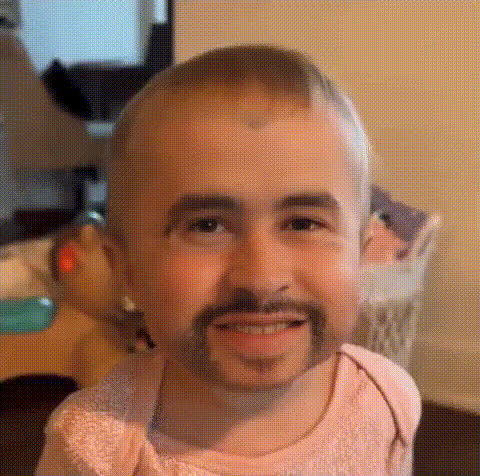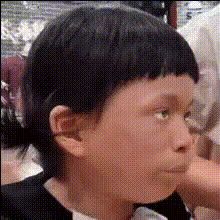
Cute Baby Face Closeup
Overview
The Cute Baby Face Closeup template offers a charming way to create adorable video memories by swapping faces with those of infants. Utilizing cutting-edge Video Face Swap technology, this tool allows you to infuse your videos with the pure essence of a baby's expressions.
What It Does
By leveraging advanced AI, the Cute Baby Face Closeup template adjusts and matches facial expressions and movements to fit a baby's innocent face. This ensures your final video has a blend of naturalism and cuteness, suitable for sharing warm moments or making playful edits.
Integrate seamlessly with products like AI Image Editor for post-editing and AI Voice Changer for adding delightful baby sounds.
Who It's For
This template is ideal for parents wanting to create adorable keepsakes, marketers aiming to soften campaigns with baby charm, and content creators focusing on family-friendly videos. It's also perfect for anyone looking to engage an audience with playful, imaginative edits.
Summary
The Cute Baby Face Closeup template facilitates the creation of endearing, heartfelt videos by employing its Video Face Swap capabilities. Whether for personal memorabilia or creative projects, this template provides an easy, innovative way to bring a touch of innocence to your video content.
Explore more options with AI Meme Generator or transition to video-based face swaps for diversifying your video collection.
How-To
Choose the Cute Baby Face Closeup Template

Customize with Your Desired Media

Generate and Export Your Video

Use Cases
Creating Family Keepsakes
- Add baby faces to milestone videos
- Create heartwarming compilations
Enhancing Marketing Campaigns
- Engage with friendly advertising
- Add a personal touch to brand storytelling
Social Media Content Creation
- Craft attention-grabbing short clips
- Add whimsical elements to reels
Best Practices
Choose High-Quality Source Videos
Ensure the original video has good lighting and facial visibility for optimal face swapping results.Adjust Facial Expressions
Experiment with different expressions to see which blends effectively with the baby's face for a natural outcome.Combine with Sound Edits
Use tools like the AI Voice Changer to add giggles or soft music, enhancing the overall charm of the video.