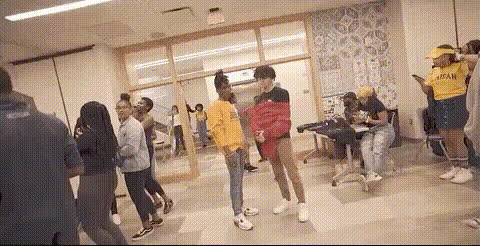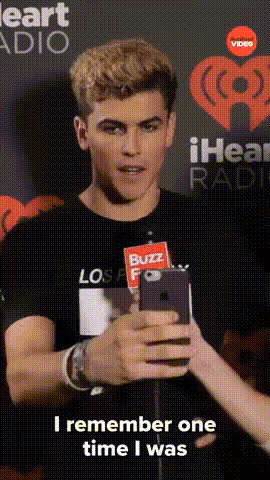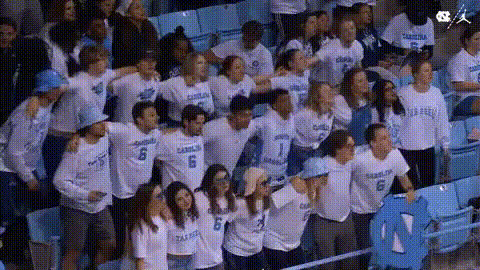
Crowd Of Young Adults
Overview
With the Crowd Of Young Adults template, inject energy and humor into your videos using advanced Video Face Swap technology. Perfect for capturing laughs, this template enables you to swap faces seamlessly within vibrant, youthful scenes. This tool is perfect for content creators who aim to make interactions memorable.
What It Does
This template specializes in dynamic Video Face Swap. It detects faces within your existing footage and allows for seamless transformation, replacing them with chosen alternatives. Ideal for creating humorous content, this tool works well with the AI GIF Generator for those looking to diversify media formats.
Who It's For
This tool is designed for social media influencers, content creators, and marketers looking to engage younger audiences. It's perfect for creators aiming to craft engaging moments by combining facial recognition technology with humor, such as in meme videos and social media campaigns.
Summary
The Crowd Of Young Adults template offers an innovative way to transform your videos into engaging and humorous content. It allows you to replace faces and craft shareable moments that resonate with audiences. Explore this tool to maximize your social media ad campaigns and create unforgettable experiences.
How To
Choose Your Template

Customize Your Project

Generate Your Video

Use Cases
Social Media Engagement
- Create unique viral challenges
- Enhance community engagement with fun moments
Event Promotions
- Increase event highlights viewership
- Craft promotional clips with a humorous angle
Content Diversification
- Combine with <a href="/products/ai-image-generator">AI Image Generator</a> for multi-format campaigns
- Adapt content quickly for different themes
Best Practices
Choose High-Quality Videos
Provide clear, high-resolution videos for the best face swap results.Plan Your Swaps Wisely
Select faces to swap that match in positioning and lighting for more believable results.Preview Iteratively
Make sure to preview your transformations in stages, optimizing details before finalizing the video.