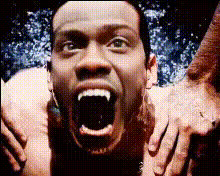
Creepy Hospital Scene
Overview
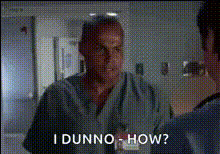
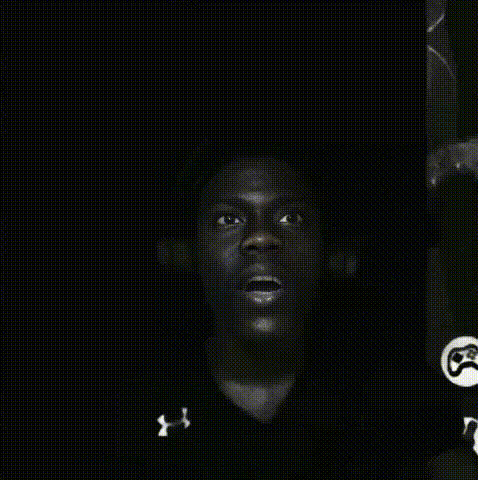
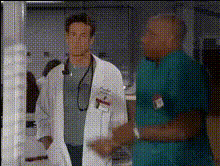
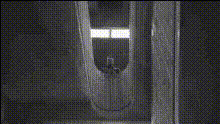
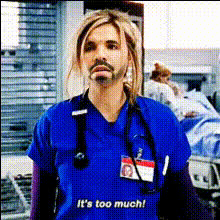
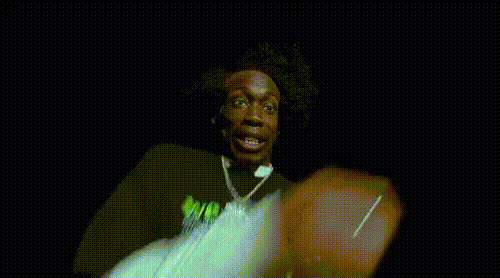
Step into a world of suspense and thrill with the Creepy Hospital Scene template. Designed for Video Face Swap, this template allows creators to transform ordinary videos into a chilling hospital setting that grabs attention and evokes curiosity.
What It Does
This template swaps faces in your original video with those designed for a haunting hospital ambiance. Ideal for creating viral sensation content, the template offers a dramatic transformation perfect for Halloween or any horror-themed project. Use alongside the AI Image Editor to enhance visual effects.
Who It's For
Ideal for filmmakers, content creators, and marketers looking to inject a bone-chilling twist into their videos. Whether you're working on a horror film, a spook-tacular social media post, or a themed advertisement, this template provides the tools you need to captivate your audience.
Summary
The Creepy Hospital Scene Video Face Swap template transforms your video content by integrating unsettling, spine-tingling elements. Its easy customization and seamless incorporation into projects makes it a choice tool for those aiming to enthrall viewers. Get started with similar tools like the AI GIF Generator and the Full Body Generator for a broader creative toolkit.
How To
Choose Your Template

Customize Your Content

Generate and Download

Use Cases
Horror Film Enhancements
- Create authentic ambiance
- Enhance film tension
Social Media Campaigns
- Boost engagement
- Increase shareability
Themed Events Promotions
- Attract potential participants
- Create memorable content
Best Practices
Ensure High Quality Inputs
Upload videos with a resolution of at least 720p for the best face swap results.Leverage Additional Effects
Use tools like the AI Image Upscaler for an added level of detail and clarity.Optimize for Mobile Viewing
Consider the end platform for viewing to adjust aspect ratios for mobile users.