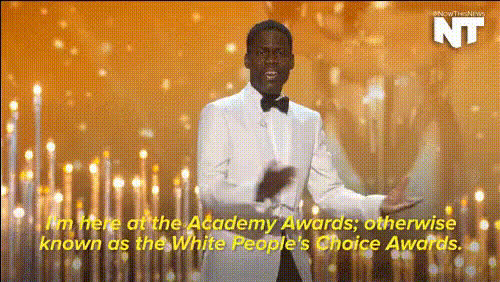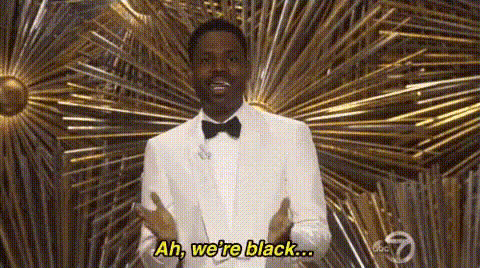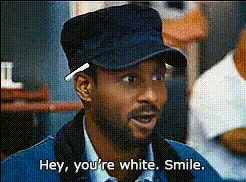
Chris Rock And Kevin Hart
Overview
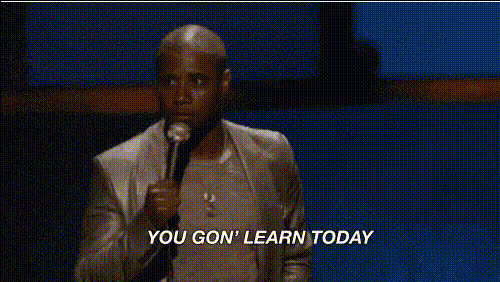
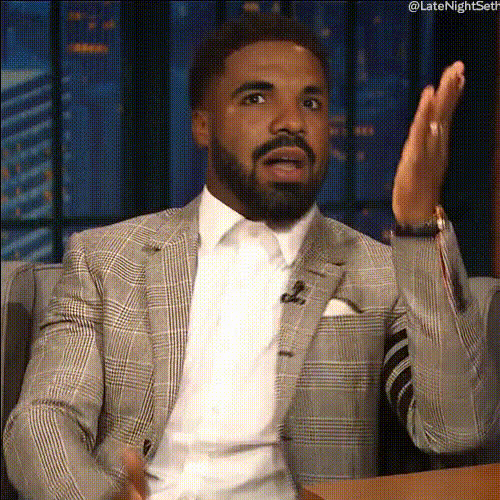
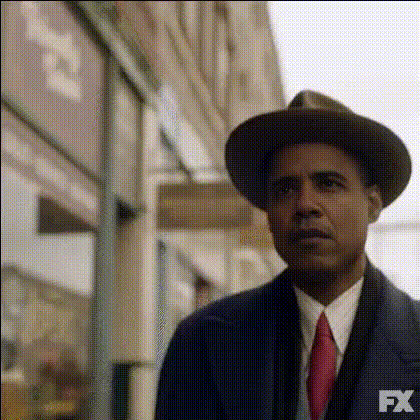
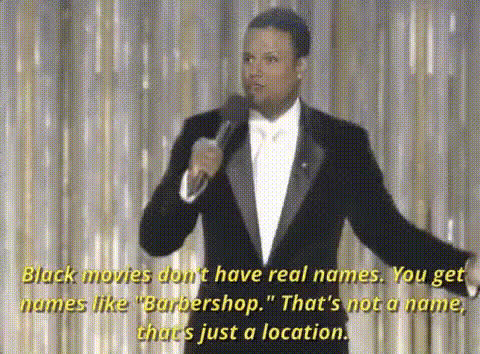
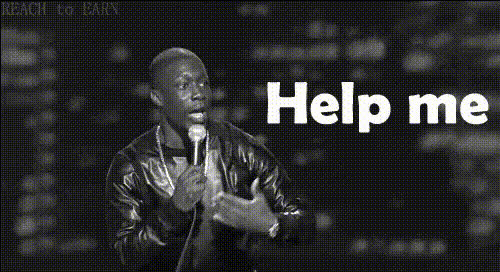
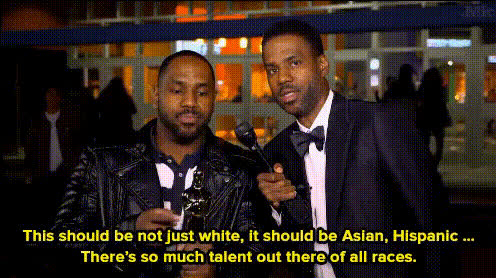
Step into the shoes of comedic legends with the Chris Rock And Kevin Hart Video Face Swap. This template allows you to create side-splitting videos by swapping faces with these iconic comedians. Whether for fun or creative video projects, this tool provides a straightforward way to transform your videos using advanced face swap technology.
What It Does
The Chris Rock And Kevin Hart Video Face Swap template leverages AI-driven face swapping technology to replace faces in videos with those of Chris Rock and Kevin Hart. Perfect for creating parody videos or testing out comedic scenarios, this template gives you the flexibility to swap faces in dynamic environments. Experiment with these features and enhance your video's humor quotient.
To further push creative boundaries, pair this template with tools like the AI Image to Video or AI Voice Changer for even more engaging content.
Who It's For
This template is ideal for content creators, comedians, and social media enthusiasts looking to add a funny twist to their projects. Whether you’re creating viral content or comedy sketches, the face swap feature helps you engage your audience with humor and originality. It's also perfect for those exploring meme video creation or fans wanting to create personalized fan content.
Summary
Bring humor to the forefront of your video projects with the Chris Rock And Kevin Hart Video Face Swap. With its high-quality face swap capabilities, this template is your gateway to endless comedic possibilities. Explore our Face Swap Video product for more entertaining transformations.
How To
Choose the Template

Customize Your Inputs

Generate Your Video

Use Cases
Comedy Skits
- Use in parody sketches
- Create funny scenarios with these famous faces
Social Media Content
- Boost entertainment value
- Encourage audience interaction
Meme Videos
- Quickly create and share memes
- Innovate with fresh content ideas
Best Practices
Selecting the Right Clip
Choose a video clip with clear, frontal faces for the best swap results.Adjust Alignment
Fine-tune alignment settings to ensure the replaced faces fit naturally into the video.Combine with Other Features
Maximize impact by pairing face swaps with tools like the AI GIF Generator for dynamic short content.