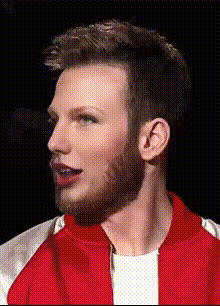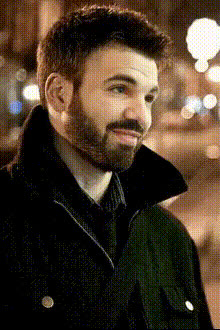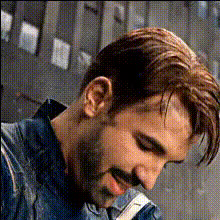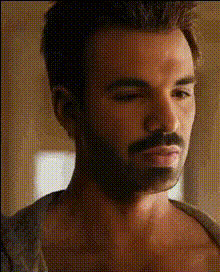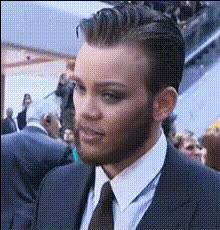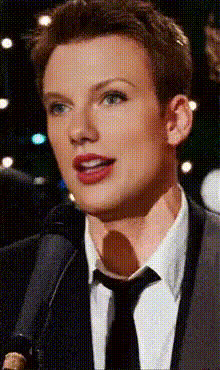
Chris Evans Speaking
Overview
Step into the spotlight with the Chris Evans Speaking Video Face Swap template. This tool allows you to swap your face with the famous actor, creating entertaining and shareable videos perfect for social media.
What It Does
The Chris Evans Speaking template brings animated character interactions to life by replacing a face in a video with your own. This twist on the traditional face swap lets you deliver lines as Chris Evans, creating humorous content ideal for pranks or social media.
Pair it with the AI Voice Changer for synchronized audio or explore the AI GIF Generator for snappy, shareable clips.
Who It's For
This template is perfect for content creators, social media enthusiasts, and anyone looking to infuse humor into their video projects. Whether you're planning to create a viral meme or surprise a friend with a prank, this tool suits various creative purposes.
Enhance your video with AI Image Editor for extra effects or use Text to Video to add dynamic captions.
Summary
The Chris Evans Speaking Video Face Swap template is your ticket to crafting unique and funny videos. With its simple process of morphing your face into Chris Evans's, you can create endless opportunities for entertaining content.
Expand your projects by exploring more in our Face Swap templates or get inspired by related tools like the Body Swap product.
How to Use
Choose Your Template

Customize Your Inputs

Generate Your Video

Use Cases
Social Media Engagement
- Create viral video memes featuring Chris Evans.
- Engage viewers with entertaining clips.
Personalized Pranks
- Swap faces with a celebrity for surprise messages.
- Add humor to digital greeting cards.
Promotional Content
- Leverage a familiar face to draw attention.
- Boost user-generated content with personal touches.
Best Practices
Align Faces Carefully
Ensure that your facial markers are well-aligned with Chris Evans’s face for the most realistic swap possible.Mind Your Lighting
Good lighting can significantly enhance the quality of the face swap, making it more convincing and professional.Experiment with Audio
Use the AI Voice Changer to complement your video swap, creating a wholly immersive experience.