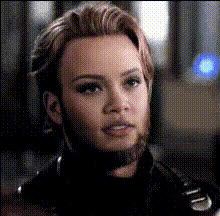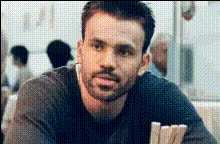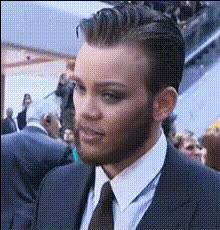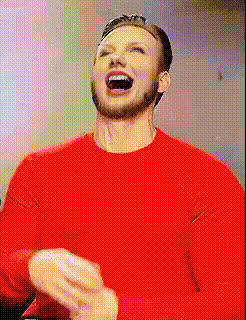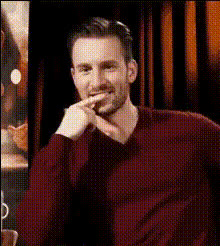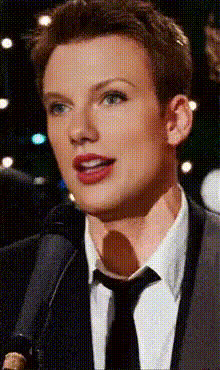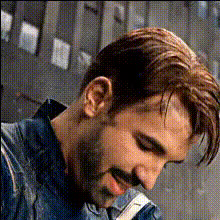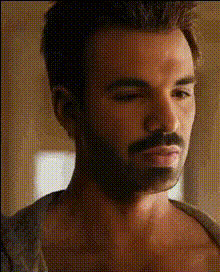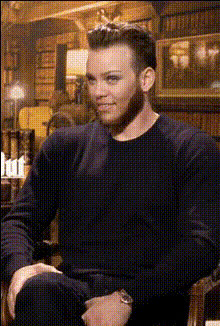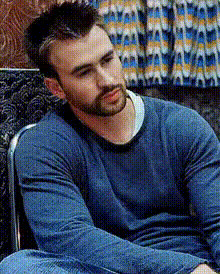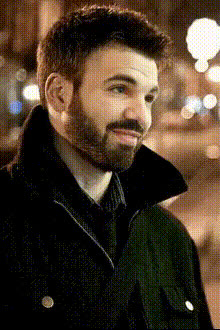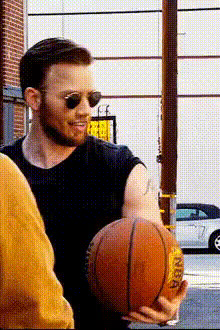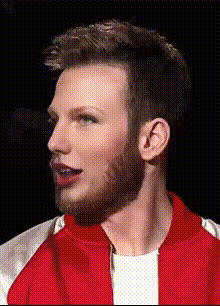
Chris Evans Closeup Portrait
Overview
The Chris Evans Closeup Portrait template offers a fun twist to your video edits through a Video Face Swap. Use this template to integrate the likeness of Chris Evans into your footage, producing lively and captivating results. It's perfect for creating standout content that's sure to attract attention.
What It Does
This template uses advanced face-swapping technology to replace faces in your video with a high-quality, closeup image of Chris Evans. It maintains the natural expressions and movements of the original footage, providing a seamless blend. You'll benefit from our sophisticated Image to Video processing methods, ensuring continuity and precision in every frame.
Who It's For
This Video Face Swap template is ideal for content creators looking to add a dose of celebrity charm to their projects. Whether you're a social media influencer, marketer, or video enthusiast, leveraging this tool can enhance engagement and visibility. Aspiring filmmakers and creative agencies can also utilize it to develop eye-catching promotional materials or entertainment content.
Summary
The Chris Evans Closeup Portrait template is a robust solution for adding a beloved Hollywood face to your productions. It's part of a broader suite of tools, including the AI Talking Photo and AI Image Editor, allowing you to push creative boundaries and transform ordinary footage into memorable experiences.
How To
Choose the Chris Evans Template

Customize Your Video

Generate and Download

Use Cases
Social Media Content
- Ideal for Instagram Reels and TikTok videos
- Boost engagement and shareability
Marketing Campaigns
- Create memorable ads
- Increase brand recognition
Event Promotions
- Engage audiences with unique content
- Improve viewer retention
Best Practices
Ensure High-Quality Input
Start with a video that is high quality to ensure the best face swap results.Adjust Lighting Effects
Match the lighting of the swapped face with the original video to maintain realism.Test Different Angles
Experiment with different angles of your source video to see how the template performs under various conditions.